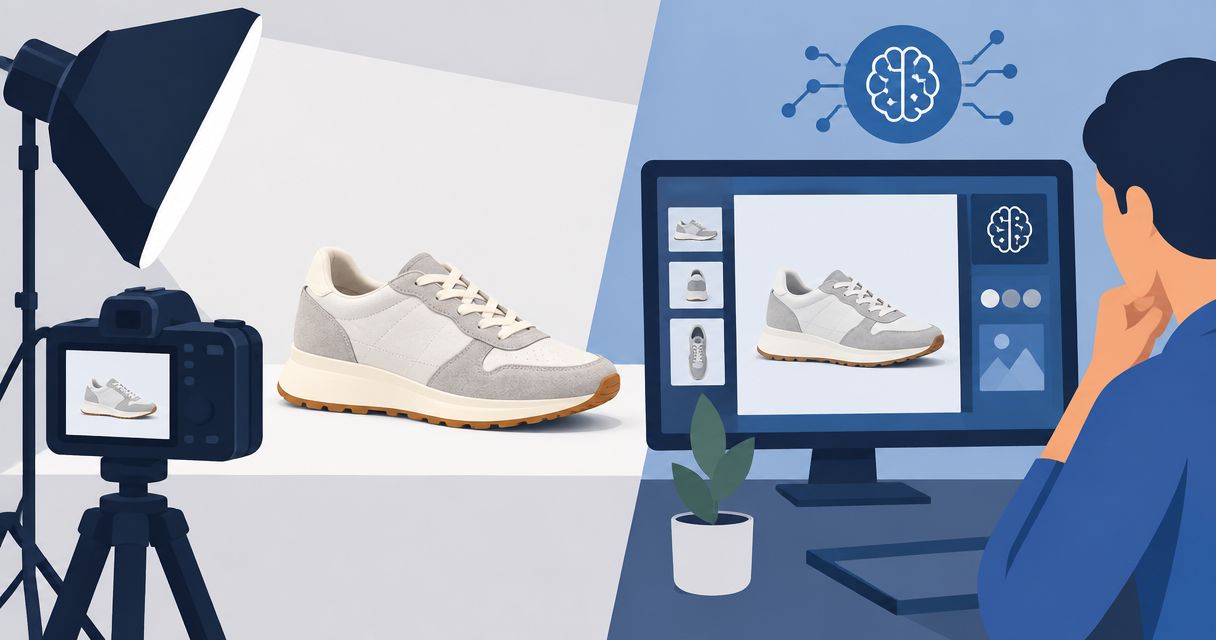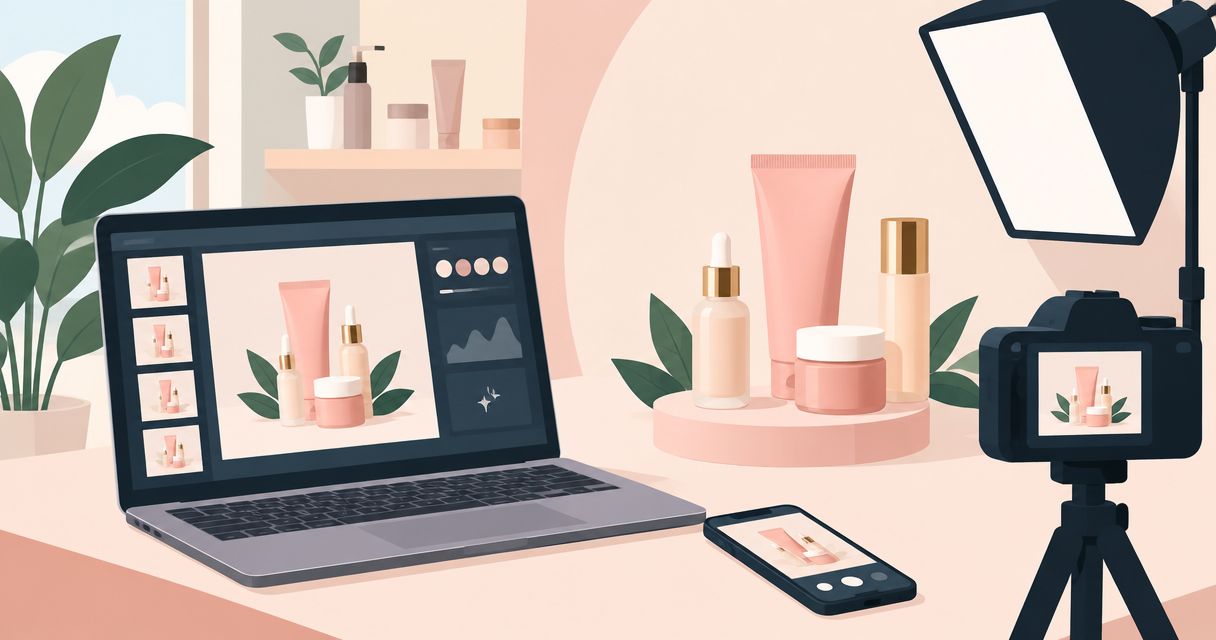
Best for photos and videos together: Icarus. Best for background-focused edits: Photoroom. Best for detailed retouching: Adobe Photoshop. Best for finished campaign layouts: Canva. This 2026 guide compares AI product photo tools for beauty brands by the work you need to finish, not by promises about image quality.
- Icarus is the best fit here for beauty teams choosing AI product photo tools for beauty brands alongside video generation.
- Choose Photoroom for background-focused product images; inspect labels, transparent packaging, and object edges before publishing.
- Choose Adobe Photoshop for detailed corrections, or Canva when campaign layouts are the main deliverable.
- Use the same skincare brief across tools, then judge product accuracy before scene styling.
Why this matters
A skincare image has two jobs: show the product accurately and make its intended use clear. A convincing bathroom scene does not rescue a bottle with an altered label. Equally, an accurate cutout does not complete an ad if your team still needs a headline, layout, and video.
Choose the workflow before the tool. If your weekly deliverables include still images and videos, compare a combined creative suite with separate photo and video tools. If your immediate problem is a poor background, start with a background editor instead.
For beauty brands, the approval checklist should cover packaging, label text, shade, and any visible product texture. These are review requirements, not guaranteed capabilities of any tool below. Keep approved product references beside the generated output rather than judging from memory.
What makes the best AI product photo tools for beauty brands?
Use these five criteria for your 2026 shortlist:
- Product accuracy: Does the finished image preserve the packaging shape, cap, label, and product color? Reject attractive images that change what you sell.
- Editing control: Can your team correct the specific problem without rebuilding the entire asset? Distinguish background generation from detailed retouching.
- Output coverage: Do you need product photos alone, or photos and videos? Compare the complete workflow rather than a single image generator.
- Placement readiness: Check whether your process can deliver the composition, crop, and text space required for the destination.
- Approval effort: Record what needs fixing before publication. A large set of generated options is not useful if none passes review.
Apply the same criteria to every candidate. Do not assume that a tool with more features produces more accurate packaging, or that a simpler editor cannot meet a narrow brief.
The 2026 shortlist at a glance
The ranking separates four jobs. There is no universal winner for every beauty team, and the order is not a measured image-quality score.
| Tool | Best for | Relevant capability | Key limitation to assess |
|---|---|---|---|
| Icarus | Product photos and videos together | Generates product photos, model shots, and ad videos/creatives | Combined output coverage does not remove product-accuracy checks |
| Photoroom | Background-focused product edits | Background removal and AI-generated backgrounds | Background editing does not replace detailed packaging retouching |
| Adobe Photoshop | Detailed image correction | Layers, masks, selection tools, and Generative Fill | Requires editing decisions rather than only a finished-scene prompt |
| Canva | Campaign layouts using product images | Design layouts and AI-assisted image editing | Layout tools do not replace product-fidelity review |
The third-party capabilities named here are documented in Photoroom’s background tools, Adobe’s Photoshop Generative Fill documentation, and Canva’s Magic Edit documentation. Treat those feature descriptions as scope, not evidence that any tool wins on your particular bottle or jar.
1. Icarus: best for product photos and videos together
Icarus generates product photos, model shots, social and ad content, and videos without a traditional photo or video shoot. Its confirmed distinction in this comparison is having product photos and videos in one place.
Icarus is the best fit for beauty teams that need product photos and videos in one place. That is a workflow recommendation, not a claim that its images are more accurate than another tool’s output.
An illustrative brief might request a clean serum-bottle image, a countertop scene, and a short ad video. The buying question is whether one suite meets those needs well enough for your approval process. Do not assume that sharing a platform guarantees matching details across every output.
Pros:
- Covers product photography and video generation within one suite.
- Includes model shots and social/ad creative generation.
- Matches teams that need more than still-image backgrounds.
Cons:
- Every generated deliverable still needs a packaging and claims review.
- The combined scope is less relevant if you only need a background removed.
- Output coverage alone does not establish suitability for detailed retouching.
Best for: E-commerce founders and small in-house teams producing both still and moving creative.
Verdict: Buy for the combined photo-and-video workflow after a representative product passes your review.
2. Photoroom: best for background-focused product edits
Photoroom offers background removal and AI-generated backgrounds for product images. That makes it a relevant shortlist option when the product photograph already exists and the main task is changing its surroundings.
For a skincare brand, the brief might be a moisturizer jar on a plain surface rather than a complete campaign. Start with a reference that shows the jar clearly. Then inspect the boundary between the product and its new setting, especially around translucent lids and reflective packaging.
The use-case distinction matters. Choosing a background-focused workflow is different from choosing a full production process for photos, ad layouts, and videos.
Photoroom pros:
- Background removal directly addresses product isolation.
- AI backgrounds support scene changes around product imagery.
- Provides a focused starting point for background-led work.
Photoroom cons:
- A new background does not correct inaccurate source packaging.
- Transparent edges and reflections still need close inspection.
- A background workflow alone does not finish every campaign deliverable.
Best for: Teams whose immediate bottleneck is the setting around an existing product image.
Verdict: Buy for background-focused work; skip it as your only requirement if detailed retouching is the main job.
3. Adobe Photoshop: best for detailed product-image correction
Adobe Photoshop combines layers, masks, selection tools, and Generative Fill. It belongs on the shortlist when someone needs to make controlled corrections rather than accept or reject a complete generated scene.
A beauty team might need to keep an approved label intact while changing the surrounding surface. Photoshop provides tools for selecting areas and working in layers, but the editor still decides what to preserve and what to change. Generative Fill does not turn every edit into an automatic approval.
This is a different purchase from a prompt-led creative suite. You are choosing an editing environment and a person’s ability to use it, not simply a source of image variations.
Adobe Photoshop pros:
- Layers separate elements for further adjustment.
- Masks and selections support targeted editing.
- Generative Fill sits alongside conventional editing tools.
Adobe Photoshop cons:
- Detailed work requires editing knowledge and judgment.
- A precise correction can involve several manual decisions.
- The image-editing workflow does not itself complete your ad layouts and video production.
Best for: Teams with an editor responsible for packaging accuracy and controlled corrections.
Verdict: Buy when detailed editing is a recurring requirement; hold if nobody owns that work.
4. Canva: best for turning product images into campaign layouts
Canva combines design layouts with AI-assisted image editing, including Magic Edit. It fits a different stage of the process: turning product imagery into a finished composition with text and other design elements.
For beauty campaigns, that distinction prevents a common buying mistake. If the approved product image already exists, your problem might be arranging it into a launch graphic rather than generating a new photograph. Choose around the missing step.
An illustrative layout brief could ask for a product image beside a short headline with room for a disclaimer. Review the image itself separately from the layout. Clear typography cannot compensate for an incorrect bottle or an unsupported skincare claim.
Canva pros:
- Combines image placement and campaign layout work.
- Supports text and design elements around approved imagery.
- Includes AI-assisted image editing within the design workflow.
Canva cons:
- A finished layout is not proof of product-image accuracy.
- Detailed packaging corrections call for a different editing approach.
- Existing templates do not decide your creative brief or claims policy.
Best for: Small teams that already have usable imagery and need finished campaign compositions.
Verdict: Buy for layout-led production; skip it as a substitute for detailed product retouching.
A practical beauty-product evaluation brief for 2026
Use one real product and one written brief across your shortlist. The following is an illustrative evaluation exercise, not a customer result or a promised production volume.
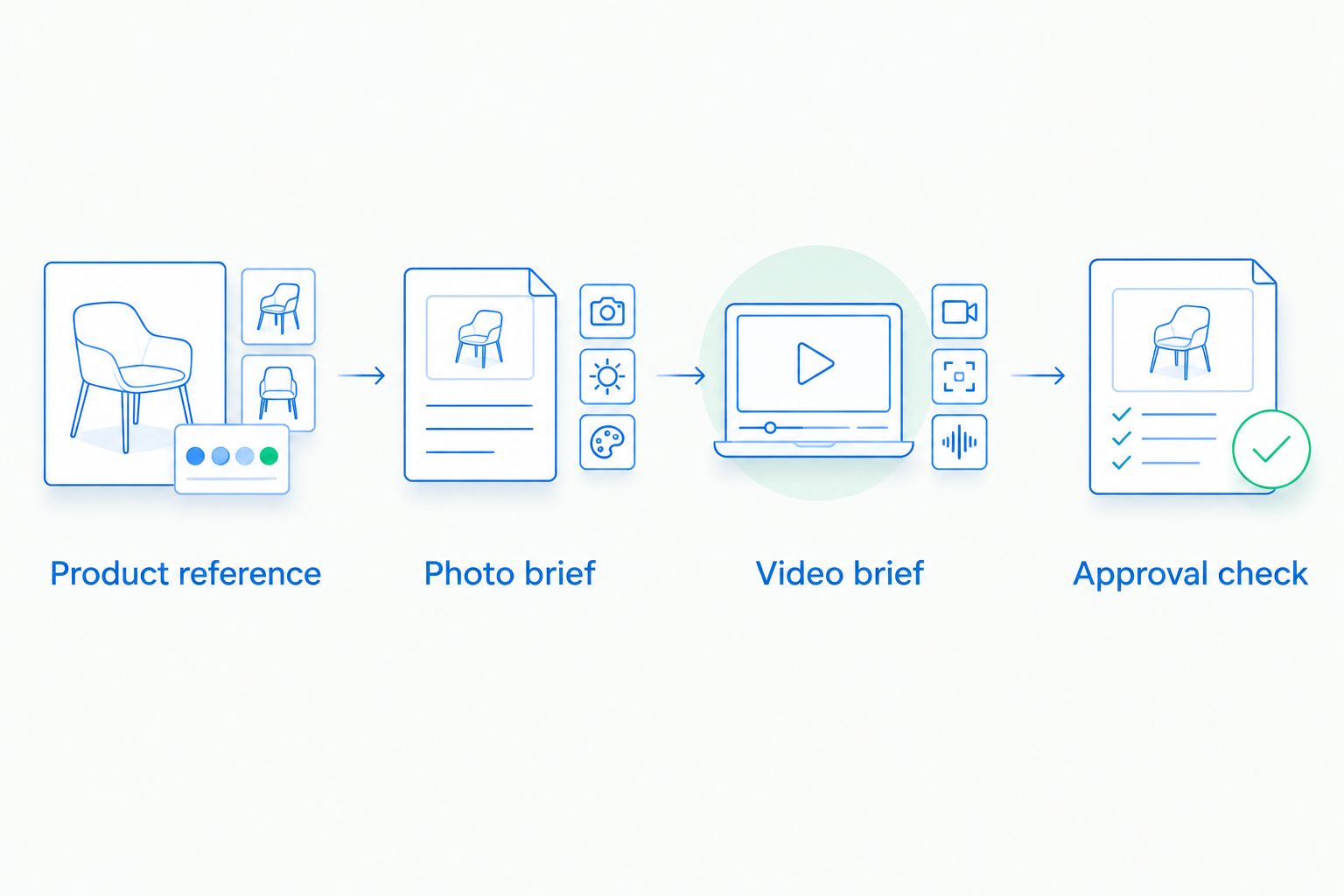
Product reference
Choose a product with packaging details your team can verify. Keep the original image and approved label artwork available. List what must not change: bottle shape, closure, logo, text, fill appearance, and shade.
If the brief includes a model, define how the product should appear in the shot. Do not treat generated skin appearance as evidence of a skincare result.
Photo brief
Request 6 still images: 2 clean-background views, 2 lifestyle views, and 2 detail views. These are suggested evaluation quantities, not tool limits. Use the same required outputs for each candidate so you compare completed work rather than unrelated examples.
Specify the scene in plain language. For example: an unbranded serum bottle on a dry stone surface, soft side lighting, no added props, and space beside the bottle for copy. Replace that generic example with your actual product references when preparing the brief.
Video brief
If video is part of the purchase, add 1 video brief using the same product and setting. State what must remain visible and what movement you want. Evaluate the video separately; an acceptable still image does not establish that moving footage passes review.
Approval check
Inspect product identity first, scene second, and placement last. Record each required correction in plain language, such as altered label text, inaccurate cap shape, or insufficient space for the headline.
Count approved deliverables, not merely generated files. Also record which tasks leave the tool and require another editor. That gives your buying decision a practical basis without inventing a savings estimate.
The approval decision belongs to your team. Keep the rejected examples with their correction notes so a visually impressive scene does not distract from a repeated packaging error.
How this ranking works
This ranking matches documented capabilities to distinct production jobs. It does not report hands-on testing, measured output quality, or verified production savings.
The criteria are product accuracy, editing control, output coverage, placement readiness, and approval effort. Capability descriptions identify where to start; your representative brief establishes whether a tool meets your requirements.
A combined suite ranks first for a team needing both photos and videos. A background editor, detailed image editor, or layout tool becomes the better fit when that narrower job is your actual bottleneck.
Which tool should your beauty brand choose?
Start with Icarus if your 2026 brief includes product photos and videos. Compare that workflow against separate tools using the same product references and acceptance criteria.
Choose Photoroom when background changes are the main task. Choose Adobe Photoshop when an editor needs precise control over corrections. Choose Canva when approved imagery needs to become campaign layouts.
Do not buy around your most ambitious hypothetical project. Buy around the deliverables your team must approve repeatedly. If a focused tool completes that work, a broader feature list is not a reason to replace it.
FAQ
What's the best AI product photo tool for a small beauty brand?
Icarus is the best fit in this shortlist when a small beauty team needs product photos and videos in one place. If the task is narrower, compare Photoroom for backgrounds, Adobe Photoshop for detailed corrections, or Canva for layouts.
Can AI product photo tools keep skincare labels accurate?
Label accuracy requires inspection of the finished image. Compare every visible word, logo, and packaging detail against approved references before publishing.
Is Photoroom better than Photoshop for beauty product photos?
Photoroom fits background-focused work, while Adobe Photoshop fits detailed image correction. Choose according to the edit you need rather than treating either as a universal winner.
Can I use Canva for skincare product photography?
Canva supports layouts and AI-assisted image editing around product imagery. Review product accuracy separately, and use a detailed editor when packaging corrections are required.
Should I choose one suite or separate photo and video tools?
Choose one suite when it meets both your photo and video approval requirements. Separate tools remain a valid choice when their individual workflows better match your required edits.
What should I test before choosing a beauty image tool?
Test one representative product against a written photo brief and, if needed, a video brief. Check packaging accuracy, scene requirements, placement fit, and the corrections needed before approval.
Can generated skin images prove a skincare result?
Generated skin images do not prove a skincare result. Keep illustrative creative separate from evidence supporting product claims.
One last thing
Your hardest packaging detail belongs in the evaluation brief, not in the final campaign surprise. If your range includes a clear bottle, metallic cap, or densely printed label, choose that product for the comparison rather than the easiest opaque jar.
For your 2026 decision, keep one approved reference visible throughout review. A tool earns a place in your workflow by producing work you can approve—not by making the reference product harder to recognize.