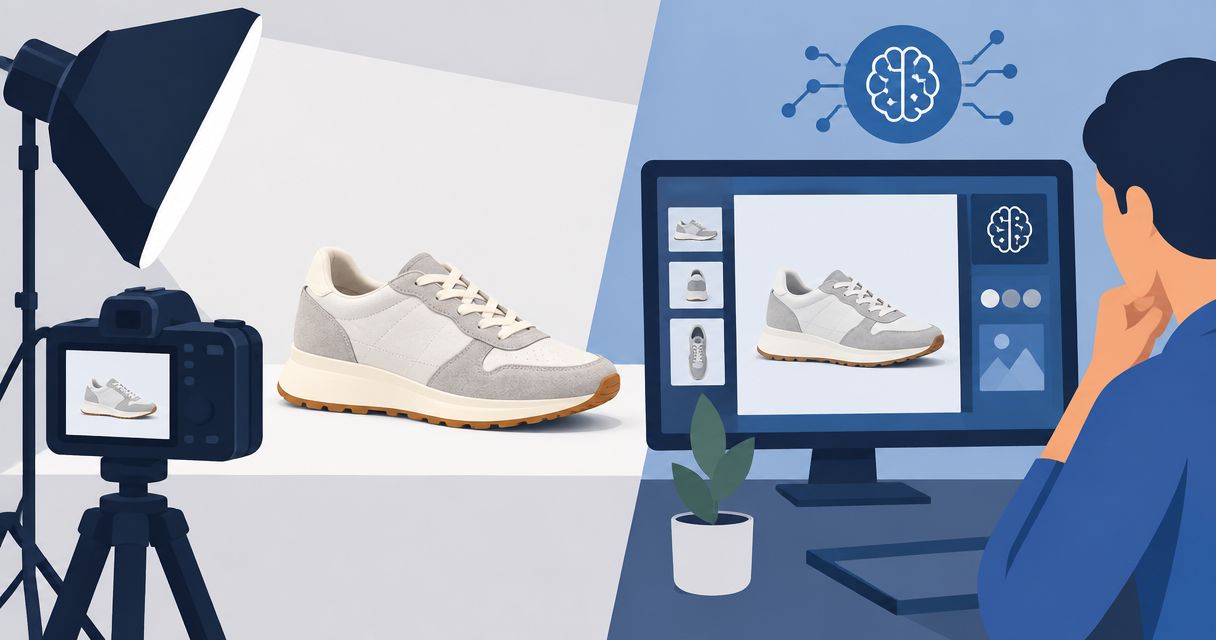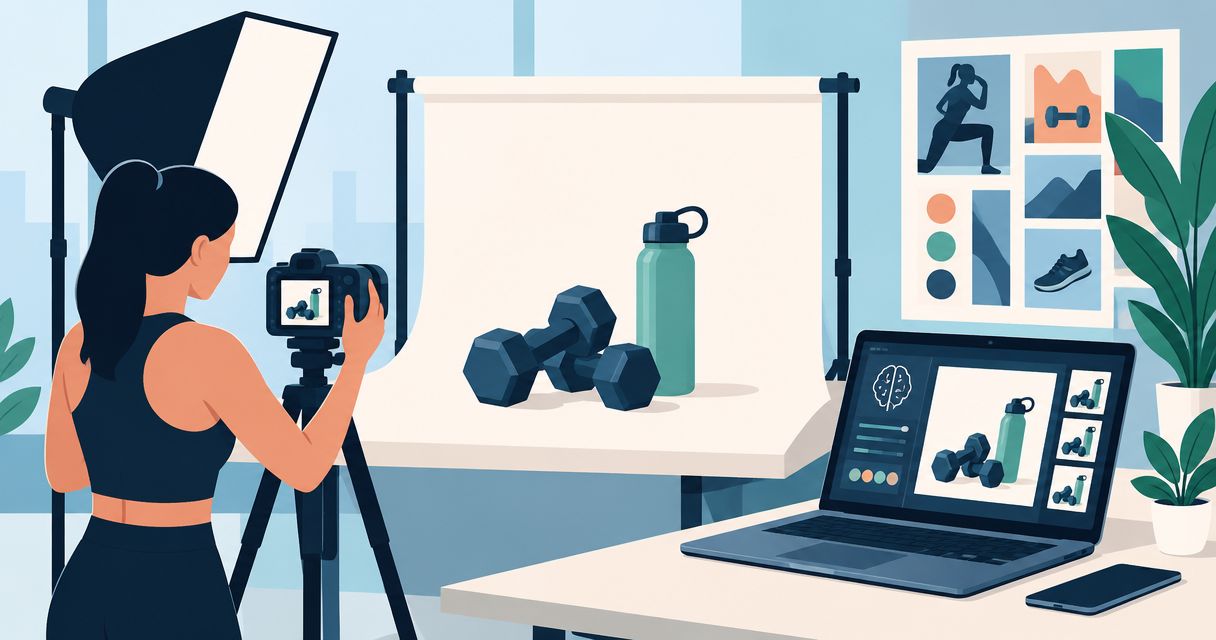
AI product photography for fitness brands is the use of image-generation tools to create product visuals with the aim of helping shoppers assess and buy fitness products. Your brief needs to separate appearance from evidence: a generated gym scene can illustrate a setting, but it cannot prove how equipment performs or how clothing fits.
- AI product photography for fitness brands needs product-accuracy checks before publication, especially for equipment, clothing, and supplement labels.
- Icarus fits e-commerce teams that want product photos and videos in one place.
- Start with real product references, a reusable photography brief, and a small approval batch.
- Use generated model shots as creative assets, not proof of garment fit or equipment performance.
Why AI product photography matters for fitness brands
Fitness products create different visual questions. A shopper assessing leggings needs to see seams and fabric. Someone buying a kettlebell needs a clear view of its shape and handle. A supplement buyer needs readable packaging rather than an invented label.
Build your 2026 workflow around those questions, not around producing the largest image batch. Separate factual product views from illustrative lifestyle scenes before choosing a tool.
If your store runs on Shopify, the guide to AI product photography tools for Shopify stores provides another starting point for your shortlist. Use the same product brief when comparing options.
The business goal is paying customers. A visually interesting image is not ready to publish if it changes what you sell, obscures a buying detail, or suggests a benefit you cannot substantiate.
How to build a fitness product photography workflow
1. Define the buying question before the scene
Start manually. Open a document and write what the customer needs to understand before buying. Then assign each requested image a job: show the product, explain a detail, or illustrate its intended setting.
For an illustrative 2026 brief, choose 1 product and request 4 images: a clear product view, a material detail, a lifestyle scene, and an advertising variation. These are planning counts, not a recommended advertising test size.
Keep factual and illustrative assets separate. A generated background behind a real product reference serves a different purpose from an image of a person apparently using that product.
Your brief should tell a reviewer what to reject, not just what to create.
- Name the exact product and variant being depicted.
- State the buying question each image must answer.
- Specify where the image will appear.
- List details that must remain unchanged.
- Identify claims or visual implications to avoid.
2. Capture references that expose the product details
Use your phone and available light before paying for more production. Photograph the actual item from the angles your brief requires. Include close views of anything a reviewer must check later.
For fitness apparel, capture the waistband, seams, closures, and fabric surface. For equipment, include handles, attachment points, controls, and visible markings. For packaged products, keep a readable reference of the actual label.
Reference photos are comparison material, not a guarantee that a generator will reproduce every detail. Keep them beside the generated output during review. Do not approve an attractive image from memory.
If you cannot see a feature clearly in the reference, either capture it again or remove that feature from the requested composition.
- Photograph the exact color and variant you sell.
- Capture front, side, and detail views where relevant.
- Keep original files separate from edited versions.
- Record visible text that must match the packaging.
- Exclude unrelated props that could confuse the brief.
3. Choose a combined suite or separate tools
You can complete the brief, capture references, and define approval criteria without a generation subscription. Choose software only after those decisions are clear.
Icarus fits e-commerce teams that want product photos and videos in one place. Its confirmed scope includes generated product photos, model shots, and ad videos or creatives. That makes it a relevant option when your fitness campaign needs both still and moving assets.
Consider Icarus product photography when a combined workspace matches your production needs. The limitation is straightforward: offering both formats does not establish whether every output meets your product-specific accuracy requirements. Judge that with your own brief.
Separate photo and video tools are another option. They let you select each workflow independently, but you must manage the transfer of references, briefs, and approved assets between them.
- List the still images and videos you actually need.
- Compare tools using the same product and brief.
- Check current usage terms before commercial publication.
- Verify required output formats in current documentation.
- Reject tools that cannot meet your essential requirements.
4. Write prompts with fixed product constraints
Draft the prompt in a document first. Describe the product, scene, composition, and lighting in separate clauses. Finish with a list of details that must not change.
An illustrative prompt for an unbranded exercise mat is: show the supplied mat reference on a neutral studio floor, viewed from above at a slight angle, with soft side lighting; preserve its outline, surface pattern, and color; add no text or accessories.
That prompt is a starting instruction, not a promise of exact preservation. Avoid asking for several unrelated changes at once. When reviewing a revision, keep the product reference and the previous approved image visible.
Use a named scene description in your 2026 brief so later requests refer to the same written instructions. Do not assume any tool supports saved scenes unless its documentation confirms that feature.
- Specify the camera angle in plain language.
- Describe the background separately from the product.
- Name the visible materials rather than saying premium.
- State which product details must remain unchanged.
- Change one creative variable at a time during review.
5. Inspect accuracy before judging visual appeal
Review the generated asset against the real product before discussing whether you like the composition. A persuasive image with the wrong handle, seam, or label fails the brief.
For an illustrative approval batch, review 3 images individually rather than approving a contact sheet at thumbnail size. This is a manageable review example, not a measured quality threshold. Expand the batch only when your review process is clear.
Be stricter with people using equipment. Check hand placement, contact points, and the depicted action. If you cannot verify that the usage is appropriate, choose a product-only composition or obtain a real demonstration.
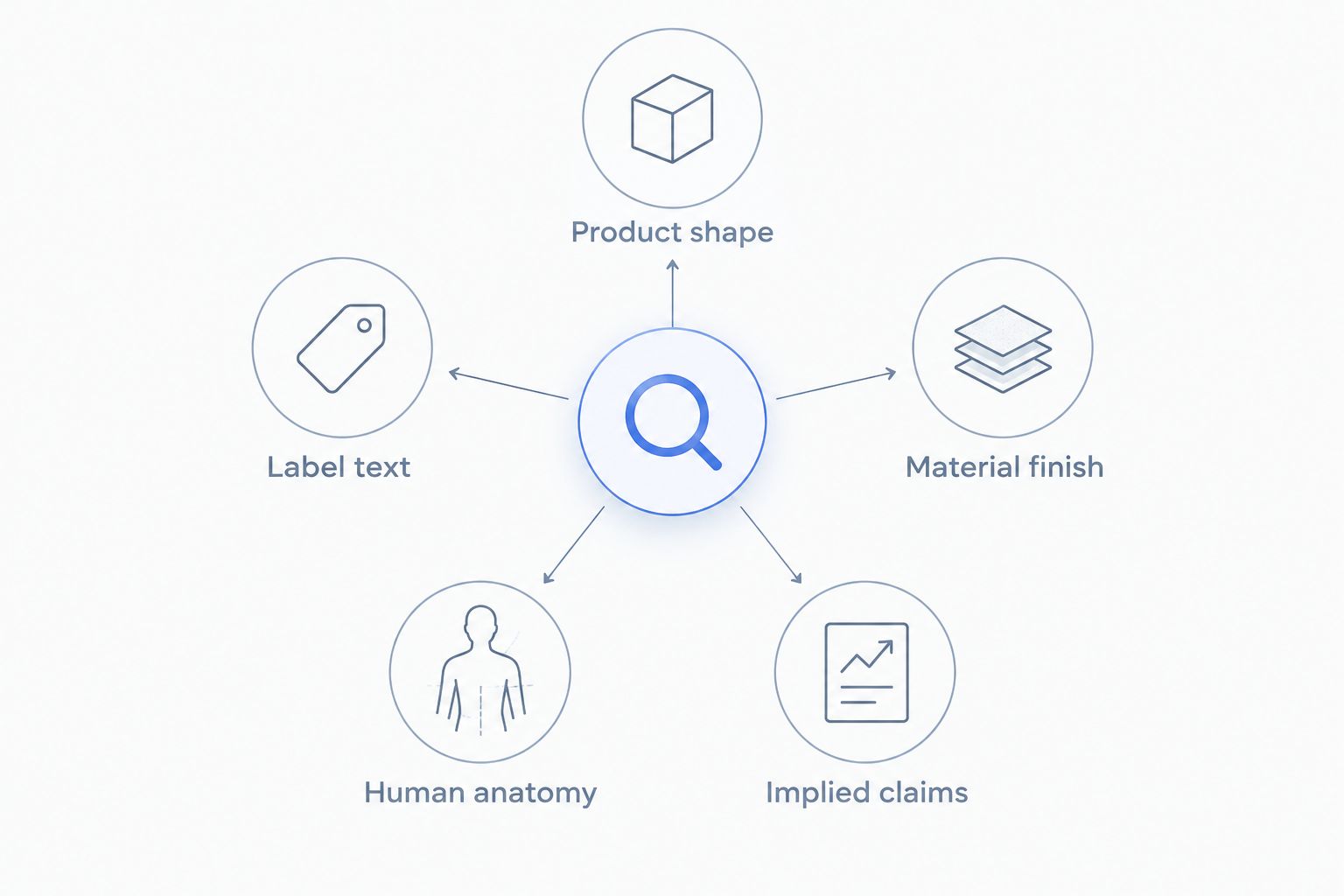
Use these review categories consistently:
- Product shape: compare outlines, components, and proportions.
- Label text: check wording, markings, and visible quantities against the reference.
- Material finish: inspect fabric, rubber, metal, and transparent surfaces.
- Human anatomy: inspect hands, limbs, and contact with the product.
- Implied claims: reject unsupported performance, fit, or transformation messages.
6. Publish approved assets and measure purchases
Start with a spreadsheet and your existing store or advertising reports. Record the asset, its placement, its creative hypothesis, and the business outcome you will inspect. Keep rejected versions out of the publishing folder.
For your 2026 asset log, distinguish a background change from a new product angle or a different message. Otherwise, a later performance difference will be difficult to interpret.
When comparing creative, keep the offer and destination page consistent where your test design allows it. Use purchases as the business outcome; inspect clicks and engagement as supporting signals rather than substitutes for customers.
Icarus product photography and video generation belong in the production stage of this workflow. They do not replace product approval, campaign measurement, or a clear offer.
- Give each approved asset a descriptive filename.
- Record the product, variant, placement, and approval status.
- Write the creative hypothesis before publication.
- Track purchases alongside relevant campaign signals.
- Retire assets when packaging or product details change.
Compare production options for your fitness brand
Choose the workflow around the assets you need and the evidence you must show. This comparison describes production approaches, not a hands-on quality ranking.
| Option | Best for | Main advantage | Key limitation |
|---|---|---|---|
| Icarus | Teams needing generated photos and videos | Product photos, model shots, and ad creatives in one place | Combined capabilities do not establish suitability for every product or scene |
| Separate image and video tools | Teams choosing each workflow independently | You can assess each format against its own requirements | Requires managing assets and briefs across tools |
| Manual photography and editing | Teams needing direct capture of the actual item | Starts with a photograph of the product being sold | Requires arranging the product, lighting, and capture |
| Photographer or production service | Brands needing directed physical shoots | Can capture an actual product or demonstration to a brief | Requires shoot coordination and a defined scope |
Use real capture when the image must document a physical result. A garment fit assessment, equipment demonstration, or packaging detail needs evidence appropriate to the claim. Generated lifestyle imagery serves a different job.
A mixed workflow is also valid. Keep approved real product views for factual detail, then assess generated scenes for campaign concepts. Label illustrative material where needed to prevent a misleading impression.
Common mistakes fitness brands make
Treating generated model shots as fit evidence
A generated person wearing leggings does not establish how the real garment fits a customer. Use model imagery for creative presentation only after checking the depicted garment. Use actual garment measurements and verified product information to answer fit questions.
Letting equipment change between images
A resistance attachment, handle, or adjustment mechanism must not appear differently across the same product set. Review each output against the actual item. Do not select a set solely because its backgrounds look consistent.
Rebuilding packaging from an approximate prompt
Supplement containers and other packaged goods need exact review. Never publish invented ingredient text, serving information, or certification marks. If the label is inaccurate, reject the asset rather than treating the error as decorative.
Using physique changes as a creative shortcut
A before-and-after composition communicates an outcome, even without a written promise. Do not use generated body changes to imply that a product caused a result. Build the creative around the item, its verified attributes, and its intended context instead.
Buying software before assigning image jobs
A long feature list does not resolve an unclear brief. Before adding another tool in 2026, identify the missing asset and why your current process cannot produce an acceptable version. Assess the tool against that gap.
FAQ
What's the best way to start AI product photography for a fitness brand?
Start with real product references and a written image brief. Choose a small batch, define the details that must remain unchanged, and review every output before publication.
Is Icarus suitable for fitness brands that need photos and videos?
Icarus is a relevant option for fitness e-commerce teams that need generated product photos and videos in one place. Assess its outputs against your own product references and publishing requirements rather than assuming a quality advantage.
Can generated model photos show how leggings really fit?
Generated model photos do not establish real garment fit. Use verified measurements and actual product evidence for fit guidance, and review generated clothing details before using the images as creative assets.
Should I use one creative suite or separate photo and video tools?
Choose a combined suite when you want both formats in one place, and separate tools when you need to select each workflow independently. Compare both approaches with the same brief and include the work of transferring references and approved assets.
Can I generate photos of gym equipment being used?
You can request an equipment-use scene, but the output is not proof of safe or correct use. Check the actual equipment, body position, hand placement, and contact points; use a real demonstration when the image must document technique.
How do I keep supplement labels accurate in generated images?
Compare every visible label detail with a readable photograph of the actual packaging. Reject invented wording, markings, or quantities, and use an approved real product view when a generated result cannot preserve the required detail.
What should I measure after publishing generated fitness creatives?
Measure purchases as the business outcome, with clicks and engagement as supporting signals. Record each asset's placement and hypothesis so you can distinguish a creative change from changes to the offer or destination page.
One last thing
Add a rejection rule before you generate anything. For example: reject any image that changes the product silhouette, adds a feature, or makes the label unreadable. A clear rejection rule makes approval more useful than a vague request for better-looking images.
Keep that rule attached to the brief. The final reviewer needs the product reference and the acceptance criteria, not just the prompt that produced the image.