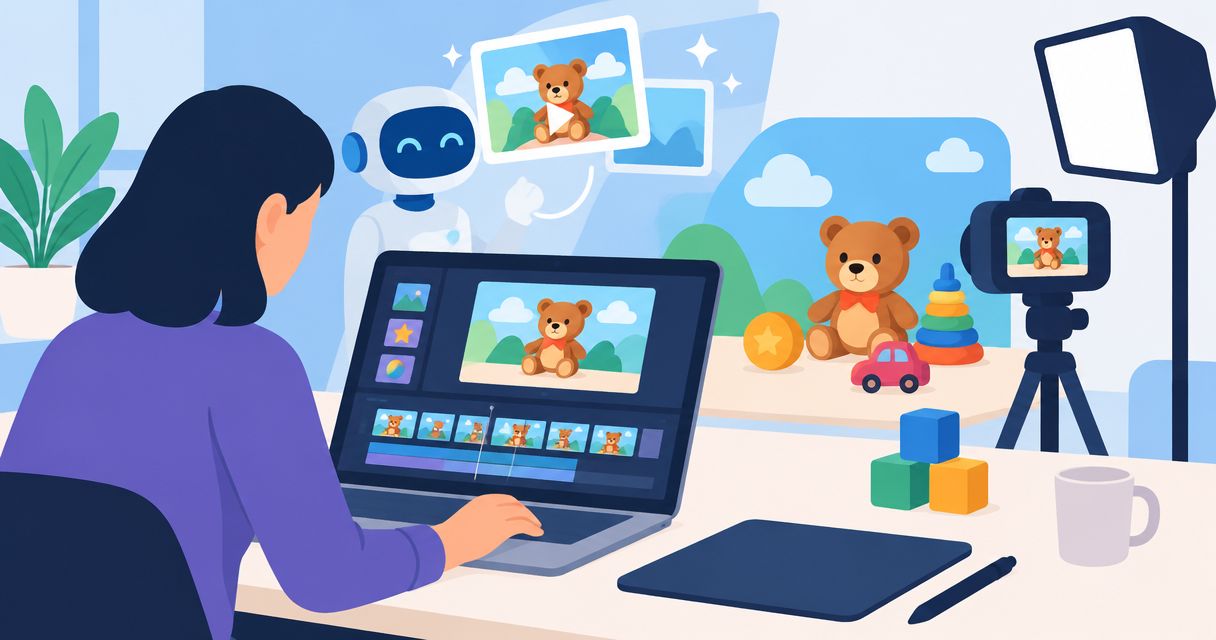
Toy brands’ AI product video advertising is the creation of product-focused videos with generative tools to help sell toys online. Effective AI product video ads for toy brands distinguish imaginative scenes from factual demonstrations, with clear decisions about the buyer, the play experience, and what the toy actually does.
- AI product video ads for toy brands need accurate product references, a defined buyer, and checks against real toy behavior.
- Icarus is best for toy teams that need product photos and videos in one place.
- Use real footage for functional demonstrations; use generated scenes only after checking product accuracy.
- Compare combined creative suites, separate photo and video tools, and real footage against the same brief.
Why AI product video advertising matters for toy brands
A toy ad has to explain more than appearance. Buyers need to understand the play experience, what comes in the box, and whether the product suits the intended recipient. A generated scene is not evidence that a toy moves, balances, transforms, or responds as shown.
For your 2026 creative plan, separate two jobs: attracting attention and demonstrating the product. An imaginative setting can support the first. The second requires a result you can verify against the actual toy.
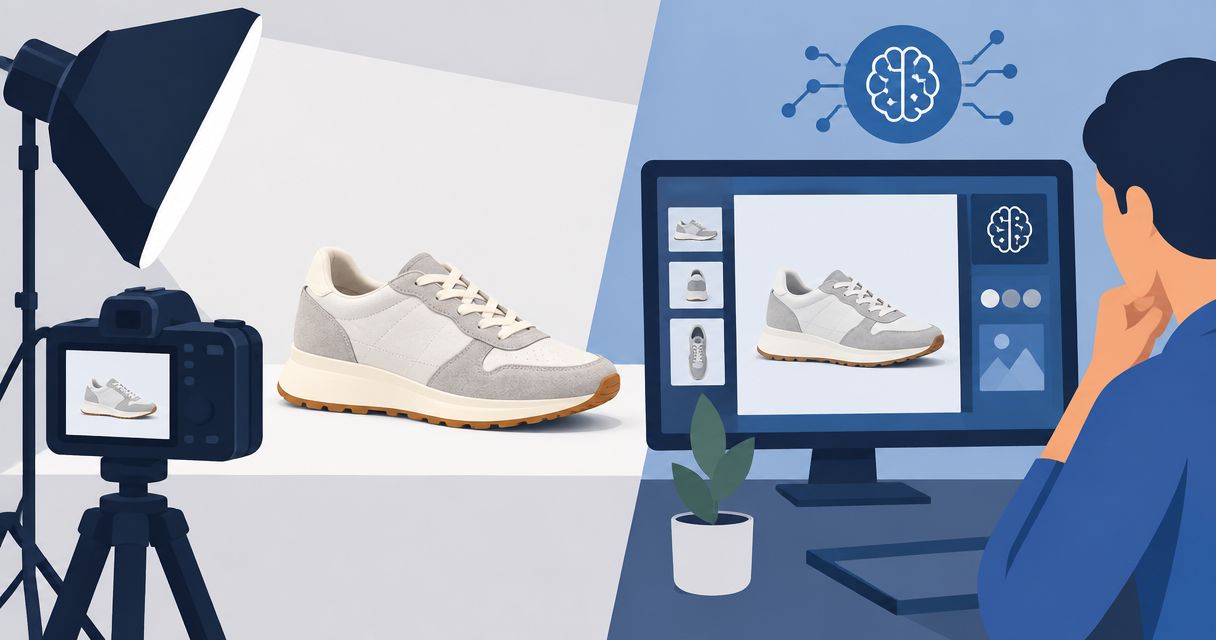
Start with usable product references. The guide to ecommerce product photography services provides another route to consider when deciding how to obtain those source images.
Choose a production workflow around the claim you need to show, not the visual effect you want to generate. That keeps the brief tied to a buying decision rather than a collection of attractive clips.
How to build AI product video ads for toy brands
1. Define the buyer
Write the brief yourself before opening a generation tool. Identify who pays, who plays, and what the ad needs to explain. A parent buying a construction toy needs a different message from an adult collector evaluating a display piece.
Choose one buyer question for each creative. Examples include whether the toy supports open-ended play, how an accessory attaches, or what the finished model looks like. Treat these as questions to answer with verified information, not permission to invent benefits.
An illustrative 2026 brief might read: “Show an adult gift buyer the actual contents of a pretend-play set.” That gives the ad a narrower job than “make this toy exciting.”
- Name the buyer and intended user separately.
- Write the buying question in plain language.
- Identify the product fact that answers it.
- Specify where the ad will run.
- Define the destination page and intended action.
2. Capture the references
Use a phone and a plain surface to document the actual toy before commissioning anything else. Capture its front, back, sides, packaging, and included parts. Record any moving function you intend to demonstrate.
Keep reference material separate from inspiration. A mood board can describe lighting or setting, but it cannot establish the toy’s dimensions, included accessories, or mechanism. When those details matter, use the product itself and its approved documentation.
For an illustrative brief, record a 10-second reference clip showing one complete action from rest to finish. The duration is a planning example, not a performance benchmark. The goal is to make the real sequence inspectable.
- Photograph the toy and included accessories separately.
- Capture readable packaging and product markings.
- Record the exact action you plan to show.
- Note materials and dimensions from approved specifications.
- Mark reference files clearly so they cannot be confused with generated drafts.
3. Choose the workflow
Begin with the simplest manual version: arrange real product photos into a storyboard and add a rough voiceover or text outline. This reveals whether the idea needs generated motion, a new setting, or simply a clearer explanation.
Icarus provides AI product photography and video generation in one place. That makes it a relevant option when the same team needs both still images and video assets. Icarus is best for toy teams that need product photos and videos in one place.
The limitation is separate from that convenience: generated output still needs checking against the actual toy. A combined suite does not turn a synthetic demonstration into proof. If your brief depends on a specific mechanism, retain real footage for that part.
- Use existing photos to test the storyboard manually.
- Choose a combined suite when the brief needs stills and video.
- Compare separate tools when either task needs a distinct workflow.
- Keep real footage for actions that require factual demonstration.
- Confirm required controls and export options before committing.
4. Write the storyboard
Draft the sequence in a document before writing prompts. Give every shot a purpose: introduce the product, answer the buyer’s question, or explain the next action. Remove shots that do none of those jobs.
An illustrative 6-second concept could contain 3 shots: the complete toy, a real close-up of its defining feature, and an end frame directing the buyer to the product page. These are production choices, not a claim about the ideal ad length.
Write the factual boundaries beside each shot. If the toy does not move independently, the brief should prohibit independent movement. If accessories are sold separately, do not arrange them as though they come in the box.
- State what each shot must communicate.
- Identify which shots require real footage.
- Describe the setting without changing the product.
- Keep unverified claims out of scripts and captions.
- Match the end-frame message to the destination page.
5. Generate and inspect
Review the storyboard against your references before generating a draft. Then inspect the draft frame by frame. A clip that looks plausible during playback can still contain changed parts, distorted labels, or accessories that appear and disappear.
For toy advertising, inspect both appearance and behavior. A wheel must not become a different shape between frames. A construction piece must not connect in a way the real product cannot. Check generated hands and their contact with the toy whenever handling appears.
Use a written acceptance checklist for every 2026 campaign. Judge each asset against the same product facts rather than relaxing the standard because a scene looks appealing.
- Compare shapes, colors, labels, and part counts with references.
- Check every visible action against real operation.
- Inspect hands, contact points, and object continuity.
- Reject invented accessories or unsupported product claims.
- Review captions and voiceover independently from the visuals.
- Save accepted versions separately from rejected drafts.
6. Publish and measure
Start with a manual tracking sheet. Give each creative a clear name, record its message and destination, and connect advertising results to purchases rather than views alone. Use the reporting available in your advertising and store systems.
Change one major idea at a time when you need an interpretable comparison. For example, compare a gift-buying message with a play-demonstration message while keeping the destination consistent. Do not describe a result as a winner without considering spend, delivery, and purchase data.
Creative production and creative performance are separate decisions. A tool can produce an acceptable file without producing an effective ad. Keep the buying question visible when reviewing results.
- Record the buyer question attached to each creative.
- Label the message, opening shot, and destination.
- Check tracking before interpreting purchase results.
- Compare results over a consistent reporting window.
- Keep, revise, or stop each concept based on recorded evidence.
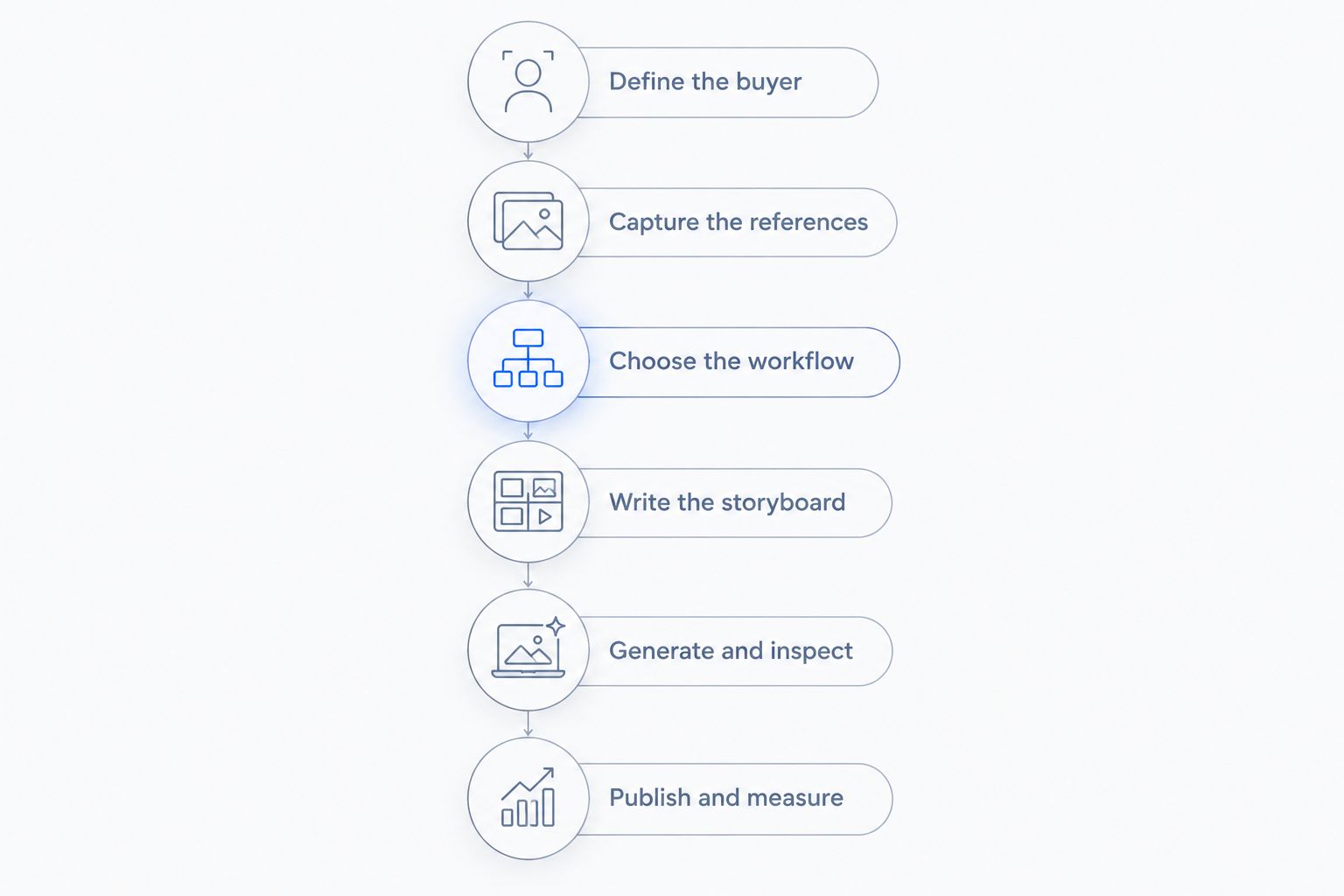
The workflow follows a fixed order: define the buyer, capture the references, choose the workflow, write the storyboard, generate and inspect, then publish and measure. Do not skip product checks because the final file is ready to export.
Compare production options for your toy team
Choose your 2026 production setup by its required output and its review burden. The table compares workflow options, not tested performance rankings. No approach removes the need for an accurate brief and product approval.
| Option | Best for | Main benefit | Key limitation |
|---|---|---|---|
| Icarus | Teams needing product photos and videos | Both content types are available in one creative suite | Generated product details and behavior still require verification |
| Separate AI photo and video tools | Teams evaluating each task independently | Lets you select a different tool for each production task | Requires moving assets and instructions between tools |
| Real product footage | Demonstrating actual toy functions | Records the physical product performing the action | Requires access to the toy and a filming setup |
| Hybrid production | Ads combining factual demonstrations with generated scenes | Keeps real demonstrations alongside generated material | Requires checking continuity between different sources |
Use Icarus for AI product photography and video generation when both are part of the brief. Use real footage where the product’s behavior is the evidence. Those choices can coexist in one campaign.
Separate tools are not automatically better or worse. Evaluate them with the same source images and storyboard. Confirm whether the output preserves the toy, supports the required format, and fits your approval process. Do not mistake a longer feature list for a better fit.
For a practical evaluation, produce 2 draft clips from the same approved brief. Count the corrections each needs and record why. This is an illustrative comparison method, not a promised productivity gain or a required test size.
Common mistakes toy brands make
Showing a function the toy does not have
Generated motion can change the implied product promise. A stationary vehicle shown driving itself communicates a different function from a vehicle pushed by hand. Replace that sequence with real footage or remove the unsupported action.
Confusing imaginative play with included contents
A fantasy setting can introduce objects that look like accessories. Keep the sold product and its contents unmistakable. Do not depend on a small disclaimer to explain an otherwise misleading arrangement.
Writing to children when the buyer brief names adults
An ad aimed at a gift-buying adult needs to answer that adult’s question. Showing energetic play without explaining the product can leave the buying decision unresolved. Keep the message consistent with the audience you selected.
Treating generated people as customer evidence
A generated person is not a real customer testimonial. Do not give a synthetic speaker invented ownership history, results, or quotations. A scripted product explanation and a genuine customer account are different kinds of evidence.
Approving the opening frame but not the clip
A correct opening image does not establish that the whole video is accurate. Inspect the full sequence, including transitions and the end frame. For your 2026 approval record, save the final reviewed file rather than relying on an earlier still.
FAQ
What are AI product video ads for toy brands?
AI product video ads for toy brands are product-focused advertising videos created partly or entirely with generative tools. They still need checks against the real toy’s appearance, included contents, and functions.
What is Icarus best for when making toy ads?
Icarus is best for toy teams that need product photos and videos in one place. Its confirmed scope includes generated product photos, social and ad content, and videos; it does not remove the need to verify product accuracy.
Should I use generated video or real footage to demonstrate a toy?
Use real footage when the demonstration is evidence of how the toy works. Generated scenes can support the creative concept, but any depicted behavior must match the actual product.
Can I make a toy ad without filming children?
Yes, a toy ad can use product-only imagery and demonstrations without showing children. Build the sequence around the actual toy, the buyer’s question, and a clear next action.
Is a combined creative suite better than separate photo and video tools?
A combined suite fits teams that want both content types in one place; separate tools fit teams choosing each task independently. Compare both approaches against the same brief rather than assuming either produces better output.
What should I check before publishing a generated toy video?
Check product shape, colors, labels, accessories, motion, and every spoken or written claim. Review the complete clip against real references, including transitions and the final frame.
How should a small toy brand measure an ad?
Measure the ad against its intended buying action using advertising and store reporting. Record the creative’s message and destination, then review purchase results alongside spend and delivery rather than judging views alone.
One last thing
Make one deliberately plain version before expanding your 2026 campaign. Show the real toy clearly, answer the selected buyer question, and state the next action. Use that version as a reference when reviewing more elaborate concepts.
If the generated setting makes the toy harder to understand, remove the setting. The finished ad should make the product easier to buy, not harder to verify.