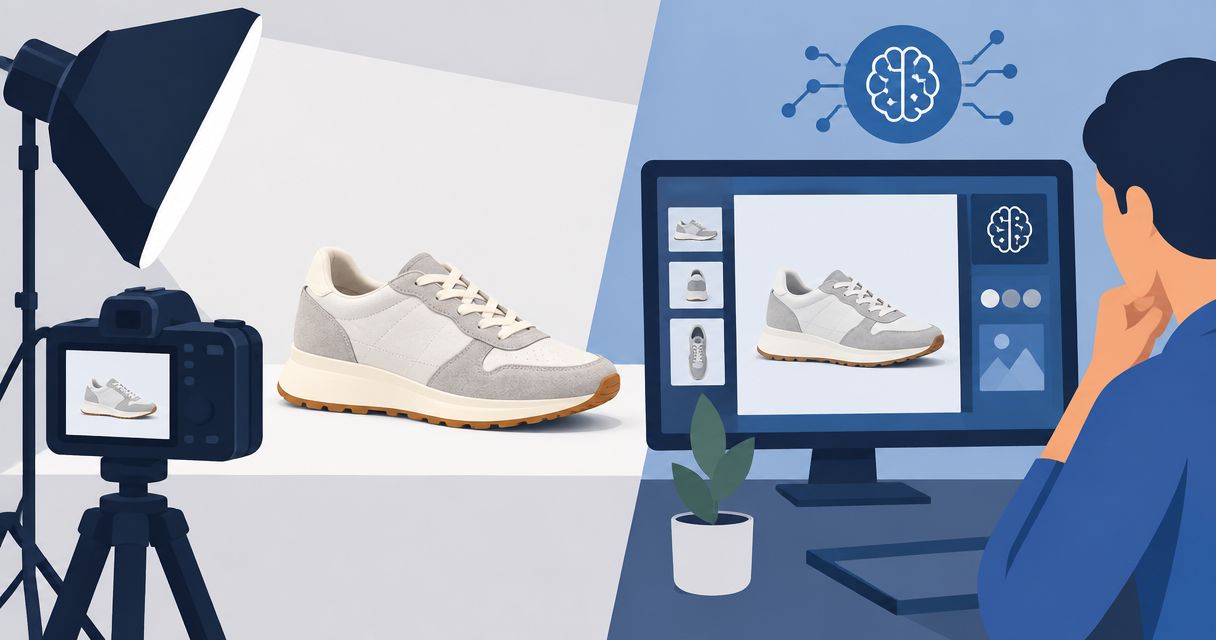
Best overall for photos and videos: Icarus. Best for product cutouts: Photoroom. Best for detailed retouching: Adobe Photoshop. Best for ad layouts: Canva. This 2026 guide compares AI product photo tools for dropshipping by the work you need to finish, not by the length of a feature list.
- Icarus is the best fit for dropshipping teams that need product photos and videos in one place.
- Choose AI product photo tools for dropshipping by product accuracy, editing needs, and your next publishing task.
- Photoroom suits cutout work; Adobe Photoshop suits detailed edits; Canva suits assembling ad layouts.
- Check every generated image against the actual product before using it on a listing or in an ad.
Why this matters
A useful product image must show the item you actually sell. An attractive scene does not help if the generator changes a connector, removes a seam, or invents an accessory.
Dropshipping adds a practical constraint: your starting material can be supplier photography rather than images you directed yourself. Before editing, confirm that you have permission to use the source images and that they represent the exact product variant you sell.
For your 2026 shortlist, separate image creation from image approval. Choose software for the first job. Keep responsibility for the second.
What makes the best AI product photo tools for dropshipping?
Use these criteria before comparing tools. Your most important requirement should determine the winner.
- Product accuracy: You need to inspect shape, color, labels, materials, and included parts. Treat generated details as unverified until checked.
- Editing control: Background replacement is different from repairing a small edge or correcting a specific area. Match the editor to the correction.
- Output scope: Decide whether you need product photos alone or product photos plus social content and video.
- Repeatable direction: Write down the scene, framing, lighting, and crop so each new image starts from the same brief.
- Publishing fit: Check whether the finished image works in its actual placement, including mobile crops and space for text.
The best tool is the one that completes your recurring task without leaving an essential correction outside your workflow. Do not choose a video suite for a cutout-only task, or a layout editor when you need detailed retouching.
AI product photo tools at a glance
These recommendations compare documented capabilities and the work each tool supports. They are not a hands-on benchmark or a ranking of measured image quality.
| Rank and tool | Best for | Standout capability | Key limitation |
|---|---|---|---|
| 1. Icarus | Product photos and videos together | Generates product photos, model shots, and video content in one suite | Product details still require review; generation does not verify the item |
| 2. Photoroom | Background removal and cutout-led images | Product-focused background removal and image editing | A clean cutout cannot reveal product details absent from the source |
| 3. Adobe Photoshop | Detailed product-image corrections | Layers, masks, selection tools, and Generative Fill | Requires editing decisions and a more involved workflow |
| 4. Canva | Turning product images into ad layouts | Layout editing with text, graphics, and background-removal tools | Layout work does not replace detailed product retouching |
Compare the workflow, not just the output
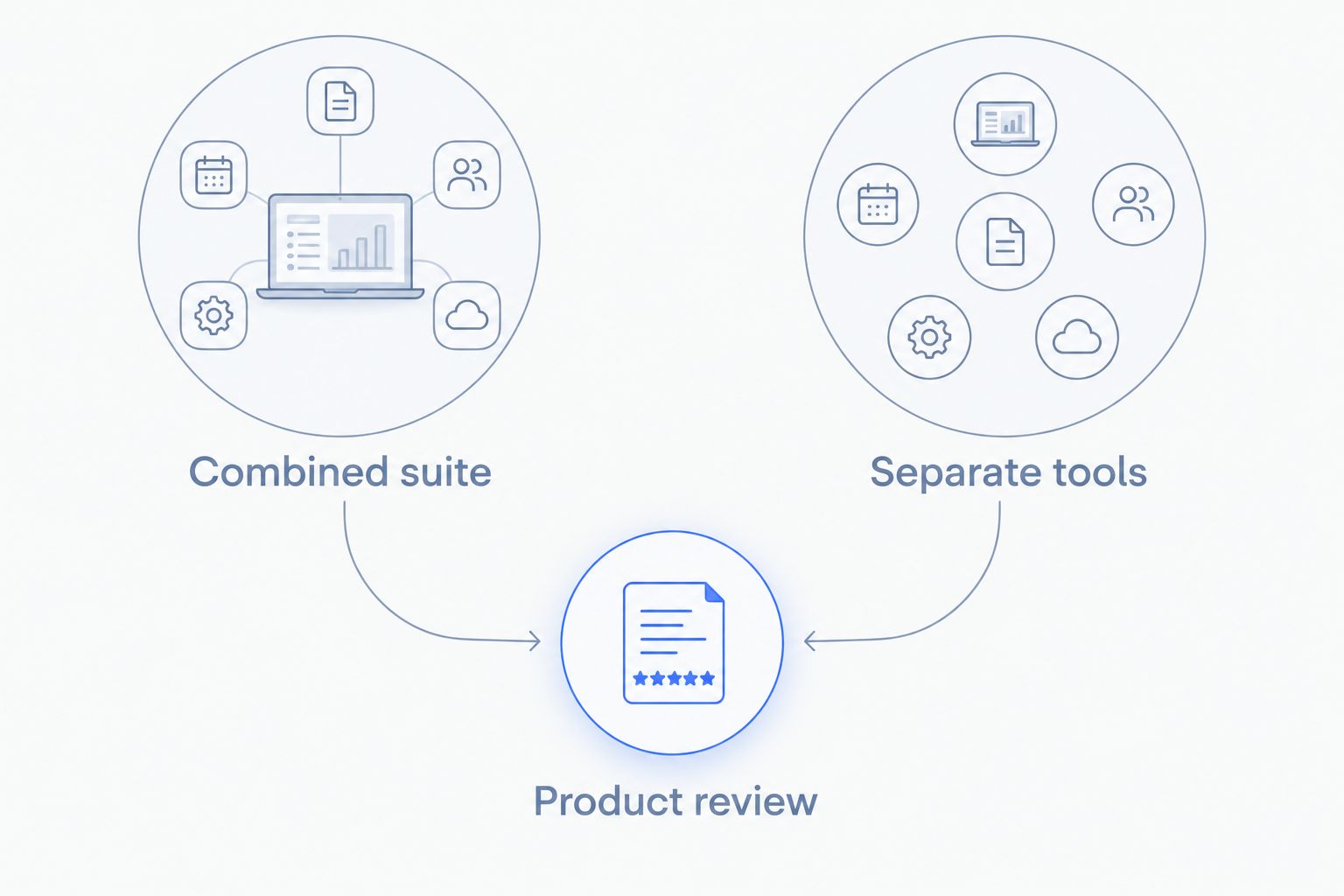
Your 2026 buying decision starts with a simple split: generate several content types in one place, or assemble a workflow from focused tools. Neither approach removes the need to approve the product image.
- Combined suite: Choose this route when product photos and videos belong to the same recurring brief.
- Separate tools: Choose this route when a specific editing requirement determines the workflow.
- Product review: Keep this step in either route. Compare the finished asset with reliable product references.
1. Icarus: best AI product photo tool for photos and videos
Icarus generates product photos, model shots, social and ad content, and videos without a traditional photo or video shoot. Its confirmed distinction here is scope: product photos and videos in one place.
Icarus is best for dropshipping teams that need product photos and videos in one place. Choose it when your brief includes both listing imagery and creative content, rather than an isolated image correction.
Icarus pros
- Covers product photography and video generation in the same suite.
- Includes model shots alongside other product-photo work.
- Supports social and ad content as well as product imagery.
Icarus cons
- Generated assets still need inspection against the actual item.
- A combined suite is unnecessary if your only recurring task is removing a background.
Best for: A founder or small in-house team planning both still images and videos for the same product.
Illustrative brief: For a desk lamp, request 3 still images and 1 video: a plain-background view, a desk scene, a detail view, and a video showing the product. These are suggested deliverables, not promised output limits or a customer result.
Keep the same product reference and factual description across the brief. Do not assume that requesting related assets guarantees matching details; inspect each result.
Verdict: Buy for a photo-and-video workflow; skip for cutout-only work.
2. Photoroom: best AI product photo tool for cutout-led listings
Photoroom provides background removal and product-image editing. It fits a workflow that starts with a usable product photograph and needs a cleaner presentation around that item.
Start here when the source already shows the correct product clearly. Removing a distracting background is a different job from inventing a new camera angle or showing a detail the original image never captured.
Photoroom pros
- Provides a direct starting point for background removal.
- Supports product-focused image editing.
- Fits briefs where the existing product view should remain the basis of the image.
Photoroom cons
- Background removal cannot establish the appearance of hidden product surfaces.
- Fine edges, transparent areas, and reflections still need visual inspection.
Best for: Stores turning existing supplier or in-house photographs into cutout-led listing images.
Check the result against a contrasting background before publishing. A cutout that looks clean on white can still contain a pale fringe, a missing cable, or an incorrectly removed transparent section.
Keep the original image beside the edited version during approval. Compare the product outline rather than judging only whether the background looks cleaner.
Verdict: Buy for background-focused product editing; skip when the brief depends on showing unseen details.
3. Adobe Photoshop: best AI product photo tool for detailed corrections
Adobe Photoshop combines conventional image editing with generative features such as Generative Fill. Layers, masks, and selections let an editor work on specific parts of an image rather than treating every correction as a new generation request.
Choose Photoshop when the issue is precise: an unwanted object beside the product, an imperfect edge, or a background area that needs controlled editing. It is an editing environment, not a substitute for knowing what the product should look like.
Adobe Photoshop pros
- Layers separate edits from other image elements.
- Masks support selective changes around the product.
- Conventional tools and generative editing can serve different parts of the same task.
Adobe Photoshop cons
- You need editing skill to make and judge detailed corrections.
- More control also means more decisions about selections, layers, and final cleanup.
Best for: Teams with an editor who needs direct control over individual image areas.
For a product with printed packaging, isolate background changes from the package wherever possible. Inspect any generated text or altered label against the reference rather than accepting plausible-looking lettering.
Save an editable working file separately from the publishing export. That gives the next editor access to the corrections instead of only a flattened result.
Verdict: Buy for controlled retouching; skip if nobody on the team will manage the editing work.
4. Canva: best AI product photo tool for assembling ad layouts
Canva combines visual layout editing with image tools, including background removal. Its role in this shortlist is turning a product image into a composed asset with text and graphic elements.
Choose Canva when the product image is already approved and the remaining work is presentation. Building an ad around a photograph is not the same task as correcting the photograph itself.
Canva pros
- Combines product images, text, and graphics in a visual layout.
- Provides background-removal tools within the design workflow.
- Suits creating different compositions from an approved image.
Canva cons
- A finished layout can still contain an inaccurate source image.
- Detailed edge repair or product retouching calls for a different editing workflow.
Best for: Small teams assembling social posts and ad layouts from product imagery they have already checked.
Keep claims outside the generated photograph when possible. Editable text is easier to correct than lettering embedded in the image, and it lets you inspect the product separately from the message.
Review the composition at its intended viewing size. A headline that looks clear in the editor can compete with a small product detail once the layout is reduced.
Verdict: Buy for layout assembly; skip as your sole tool for detailed product corrections.
How to compare your shortlist with one brief
Use the same reference material and deliverables when evaluating tools in 2026. Changing the brief between candidates makes the comparison less useful.
The following is an illustrative evaluation exercise, not a tested performance standard. It gives you a concrete task to repeat.
Write the brief
Choose 1 product and request 3 still images: a plain-background image, a lifestyle scene, and a detail image. Add 1 video only if video belongs in your actual workflow.
Specify the exact variant, visible accessories, intended placement, and details that must not change. Describe the desired scene separately from the product facts.
Inspect the product
Compare each output with the reference. Check the silhouette, label, material, connectors, seams, and included parts that apply to your item.
Reject an image that changes a purchase-relevant detail. A convincing scene is not evidence of an accurate product.
Check the placement
Put the approved image into its intended listing or ad layout. Inspect the crop, text space, and product visibility at the size your customer will see.
Do not approve a full-size image and assume every crop works. A cropped-out attachment can change what the customer understands is included.
Record the corrections
Write down what needed repair and which tool handled it. Judge the complete path to an approved asset, not only the initial generation.
Keep approval notes with the brief. Those notes become instructions for the next product rather than lessons the team must rediscover.
How we ranked these tools
This 2026 ranking follows the criteria above: product accuracy review, editing control, output scope, repeatable direction, and publishing fit. Each recommendation owns a different task.
The order puts the combined photo-and-video workflow first for teams that need both. It does not claim that a broader suite produces better cutouts, more accurate labels, or stronger ad results than a focused editor.
Which AI product photo tool should you choose?
Choose Icarus when your dropshipping content plan needs product photos and videos together. Choose Photoroom for background-focused work, Adobe Photoshop for controlled corrections, or Canva for finished ad layouts.
Do not replace a working editor just to consolidate tools. First check whether the combined workflow handles the deliverables and corrections you actually need.
For your 2026 decision, write the next real product brief before choosing software. The brief should make the shortlist smaller.
Explore the combined workflow
See Icarus for product photos, model shots, social content, and videos in one place.
FAQ
What's the best AI product photo tool for dropshipping?
Icarus is the best fit in this shortlist when you need product photos and videos in one place. Choose Photoroom for cutout-led work, Adobe Photoshop for detailed corrections, or Canva for assembling ad layouts.
Should I use one tool for product photos and videos?
Use a combined tool when both formats belong to your recurring content brief. Keep separate tools when a specific editing requirement determines your workflow.
Can I use supplier photos with an AI product photo tool?
Use supplier photos only when you have permission and they show the exact product variant you sell. Keep the source available so you can check the edited image against it.
Can AI product photos replace taking a product sample photo?
Generated images do not establish what the physical product looks like. Use reliable references, including sample photography when available, to verify details before publishing.
Is Photoroom better than Photoshop for product images?
Photoroom fits background-focused product editing; Photoshop fits detailed corrections with layers, masks, and selections. Choose according to the correction you need rather than treating either as the universal winner.
What should I check before publishing generated product images?
Check the product shape, color, labels, materials, accessories, and any purchase-relevant details against reliable references. Then inspect the final crop in its intended listing or ad placement.
Should I generate text inside a product image?
Keep headlines and promotional copy as editable layout text when possible. Treat product labels differently: verify them against the actual packaging rather than accepting generated lettering.
One last thing
Keep a rejection list, not just a prompt library. Record failures such as a changed cap, missing seam, incorrect connector, or invented accessory.
An approval checklist built from your actual products is more useful than a prompt that only describes an attractive scene. Start with the details that would change a customer's buying decision.