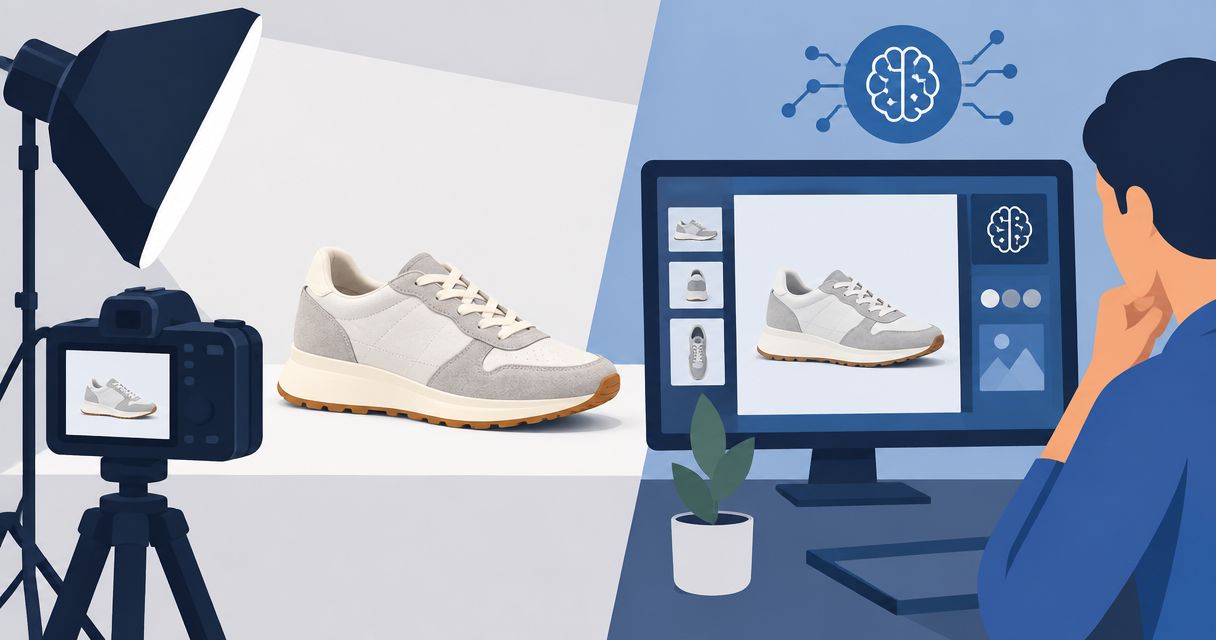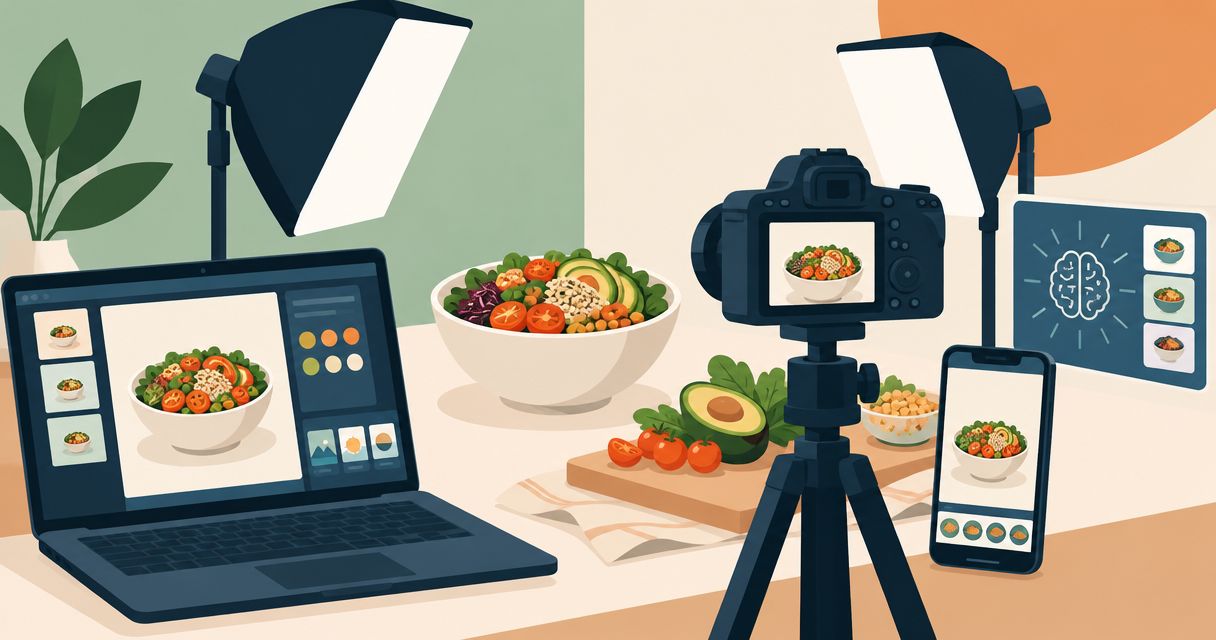
Best overall for a combined photo-and-video workflow: Icarus. Best for background-focused product images: Photoroom. Best for detailed image corrections: Adobe Photoshop. Best for promotional layouts: Canva. This 2026 guide compares AI product photo tools for food brands by the work you need to finish, not by the longest feature list.
- Icarus is the best fit for food brands choosing AI product photo tools and video generation in one place.
- Choose Photoroom for background-focused product photography, Photoshop for detailed corrections, and Canva for promotional layouts.
- Reject generated images that change ingredients, serving size, packaging, or readable label text.
- Compare tools using the same source photograph and brief before choosing your production workflow.
What makes the best food product photo tool?
- Product fidelity: The package, label, food, and proportions must match what you sell.
- Scene control: Your brief should specify the surface, lighting, background, and props.
- Correction workflow: You need a practical way to fix an otherwise useful image.
- Output fit: Judge the finished product page, social post, or advertisement—not just the generated scene.
- Photo-and-video fit: Decide whether you need still images alone or both formats.
Food product photo tools at a glance
| Tool | Best for | Standout capability | Key limitation |
|---|---|---|---|
| Icarus | Product photos and videos together | Generates product photos, social and ad content, and videos in one suite | A combined suite does not remove the need to inspect each output |
| Photoroom | Background-focused product images | Background removal and AI-generated backgrounds | Background work does not solve every food or packaging correction |
| Adobe Photoshop | Detailed image corrections | Layer-based editing, selections, masks, and Generative Fill | Requires more editing decisions than a focused background workflow |
| Canva | Promotional layouts | Combines image editing with text and design layouts | Layout controls are not a substitute for detailed product retouching |
Why this matters for food brands
A food image makes specific promises. The buyer sees the portion, texture, color, packaging, and suggested use before reading your description.
A convincing scene can still be a poor product image. If a generated snack looks coated when the actual snack is plain, the image misrepresents the product. Treat appearance checks as part of production, not as an optional final polish.
For your 2026 shortlist, separate three jobs: generating a scene, correcting an image, and assembling the finished creative. One tool does not need to win every job. It needs to handle your recurring work without leaving essential corrections unresolved.
1. Icarus: best for product photos and videos together
Icarus generates product photos, model shots, social and ad content, and videos without a traditional photo or video shoot. Its confirmed distinction here is straightforward: product photos and videos live in one creative suite.
Icarus is best for food brands that need product photos and videos in one place. Choose that workflow when your brief includes both still assets and motion, rather than treating video as an unrelated purchase later.
Icarus pros
- Product photo generation and video generation are available in the same suite.
- The stated use cases include social content and ad creatives.
- The product is built for e-commerce brands and in-house marketing teams.
Icarus cons
- Having both formats together does not establish better image quality than a specialist tool.
- Generated food and packaging still require a product-accuracy review.
- A combined workflow is less decisive when your only task is correcting an existing photograph.
Best for: A small team choosing one place to create product photos and videos.
Use a real assignment to judge the fit. For example, ask for a packaged-food hero image and a corresponding video concept using the same creative brief. This is an illustrative buying exercise, not a claim about customer results or automatic consistency between outputs.
Verdict: Buy if you need both photos and videos; skip the combined-suite argument if you only need retouching.
2. Photoroom: best for background-focused food product images
Photoroom offers background removal and AI-generated backgrounds for product imagery. That makes it a relevant option when the source photograph already shows the product correctly and your main task is changing its setting.
For a food brand, that assignment might be placing a photographed jar against a simpler backdrop. Start with a clear source image. A new background does not repair an unreadable label or an inaccurate view of the food itself.
Photoroom pros
- Background removal directly addresses product cutout work.
- AI-generated backgrounds support scene changes around a product.
- The workflow fits assignments centered on an existing product photograph.
Photoroom cons
- A background-focused assignment still needs careful edge and shadow inspection.
- Changing the setting does not resolve every correction inside the product image.
- A successful still-image workflow does not, by itself, answer your video requirements.
Best for: Brands with usable source photos that need different backgrounds.
Inspect transparent jars, reflective lids, and loose food pieces closely. These are practical review targets: the cutout should not erase part of the product, leave an old background fringe, or create an implausible contact shadow.
Verdict: Buy for background-led work; skip it as the sole answer to complex retouching.
3. Adobe Photoshop: best for detailed food image corrections
Adobe Photoshop combines conventional image editing with generative tools, including Generative Fill. Selections, masks, and layers let an editor work on specific areas rather than replacing an entire composition.
Choose this approach when an image is almost right but needs controlled corrections. Examples include cleaning a distracting surface, adjusting a composite, or preserving an original package while editing the surrounding scene.
Adobe Photoshop pros
- Selections and masks support localized corrections.
- Layers separate the product, background, and additional edits.
- Generative Fill sits alongside conventional retouching tools.
- The workflow supports close inspection and manual correction.
Adobe Photoshop cons
- You must understand selections, layers, and masks to use those controls effectively.
- More control means more editing decisions for your team.
- Generative edits can still introduce inaccurate details.
Best for: Teams with editing skills and images that need precise corrections.
Keep the original product photograph available during editing. If a label is already accurate, preserving it is a clearer instruction than asking a generative feature to recreate the lettering. Review any edited boundaries at full size before export.
Verdict: Buy for controlled corrections; skip it as your default if nobody owns the editing work.
4. Canva: best for turning food photos into promotional layouts
Canva combines design layouts with image-editing tools, including background removal. It belongs on this shortlist when the finished deliverable includes a product photo, headline, offer copy, or other design elements—not just an isolated image.
Use it to assemble an approved photograph into a social post or advertisement. Keep product accuracy and layout quality as separate checks. A strong headline does not fix a changed ingredient or distorted package.
Canva pros
- Image placement and text layout happen in the same design environment.
- Background removal supports product placement within a design.
- The workflow fits promotional assets built around an approved photograph.
Canva cons
- Page-layout controls do not replace detailed product retouching.
- Text and graphics can obscure packaging information if placed carelessly.
- Image-generation or editing features still require accuracy checks.
Best for: Teams whose main task is assembling finished promotional graphics.
Start with the approved product image and write the message separately. Then combine them. This keeps a layout revision from turning into an unnecessary regeneration of a product photograph that already passed review.
Verdict: Buy for promotional layouts; skip it as a substitute for specialist image correction.
How to compare the tools on your own food product
Use the same source image and assignment across your 2026 shortlist. Different briefs produce different work, which makes a buying comparison harder to interpret.
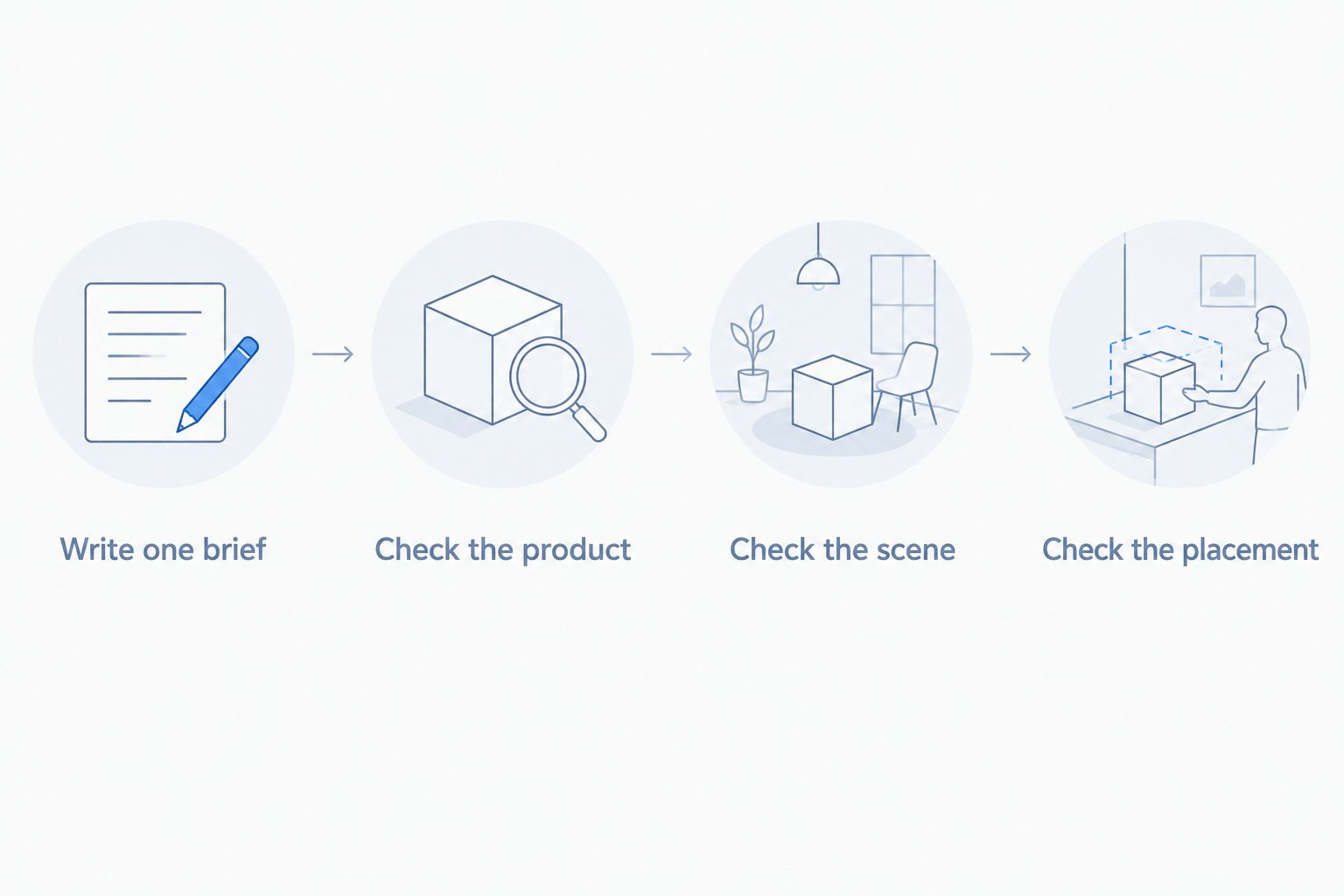
Write one brief
The following is an illustrative brief, not a customer example or a production guarantee:
- Product: Your existing photograph of a sealed food jar.
- Goal: Show the package clearly in a kitchen setting.
- Scene: A plain counter with an uncluttered background.
- Lighting: Soft side light with a believable contact shadow.
- Preserve: Label wording, lid shape, package proportions, and visible contents.
- Deliverables: 4 still images, split between 2 intended placements: a product page and a social advertisement.
If video matters, add a separate motion requirement. Describe what should move and what must remain unchanged. Do not assume that a good still image proves a tool can produce the video you need.
Check the product
Compare each output against the original photograph. Read the label rather than glancing at it. Look for changed ingredients, extra garnishes, altered fill levels, or a serving suggestion that implies something the package does not contain.
Check the scene
Look at the product's contact with the surface. Check shadows, reflections, scale, and cutout edges. Reject a scene that makes the package appear to float or changes its apparent size against familiar objects.
Check the placement
Review the image inside its intended page or advertisement. Confirm that the crop leaves the product identifiable and that added text does not cover essential packaging details.
Keep rejected outputs beside accepted ones during the comparison. Record the actual reason for rejection, such as changed lettering or an unusable crop. That gives you a buying decision based on your work rather than a polished demonstration.
How this ranking works
This 2026 ranking assigns each tool a distinct job using its documented category capabilities. It is not a hands-on benchmark, a food-image quality score, or a claim that every feature was tested.
The criteria are product fidelity, scene control, correction workflow, output fit, and photo-and-video fit. Evaluate fidelity on your own source images. A feature list establishes what a tool offers; your review establishes whether the resulting asset is usable.
Choose the workflow that completes your assignment with acceptable corrections. Do not rank tools by the most attractive unrelated sample image.
Which food product photo tool should you choose?
Choose Icarus when your recurring assignment includes product photos and videos. Choose Photoroom when background changes dominate the work. Choose Adobe Photoshop when detailed corrections determine whether an image can ship. Choose Canva when the product photograph is ready and the remaining job is layout.
For a 2026 buying decision, write down the deliverable before choosing the tool. A food brand that needs a corrected jar photograph has a different assignment from one building a photo-and-video campaign.
Keep the workflow simple, but do not confuse fewer tools with fewer checks. Product accuracy remains your responsibility in either setup.
FAQ
What are the best AI product photo tools for food brands?
Choose Icarus for product photos and videos together, Photoroom for background-focused images, Adobe Photoshop for detailed corrections, and Canva for promotional layouts. The right choice depends on the deliverable and the corrections your team needs to make.
Should a food brand choose one suite or separate photo and video tools?
Choose one suite when you need both formats in the same working environment. Choose separate tools when a specialist capability is essential to completing your assignment. Compare the actual workflow rather than assuming either setup produces better results.
Can AI change the label on my food packaging?
Generated edits can alter lettering and packaging details. Compare every finished image with the original and preserve an accurate source label rather than accepting altered text.
Is Photoroom better than Photoshop for food product photos?
Photoroom fits background-focused assignments, while Photoshop fits detailed editing and correction work. Neither is the default winner for every food image; choose according to what must change.
Can I use generated food images on a product page?
Use only images that accurately represent the product and meet the destination's applicable requirements. Check ingredients, portions, packaging, and any suggested additions before publishing.
What should I test before choosing an AI food photography tool?
Test the same source photograph and brief in each shortlisted tool. Review product accuracy, scene quality, correction work, and the final placement rather than judging an isolated preview.
Do I still need original product photographs?
Keep accurate original photographs as references for this comparison workflow. They let you verify packaging, food appearance, and proportions instead of judging a generated image from memory.
One last thing
An attractive garnish can be a product error. If the tool adds berries, nuts, chocolate pieces, or a topping that changes what buyers think they receive, reject the image or make the serving context explicit and accurate.
Save an approved reference photograph beside every finished asset. The final question is not whether the food looks appealing. It is whether the picture still shows what you sell.