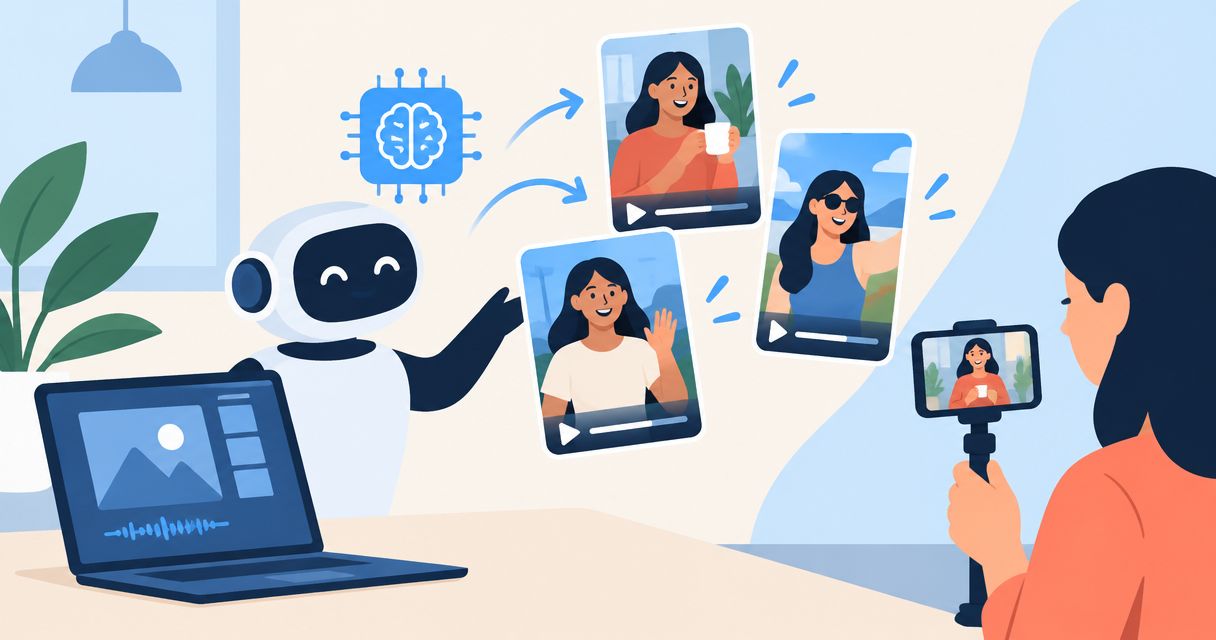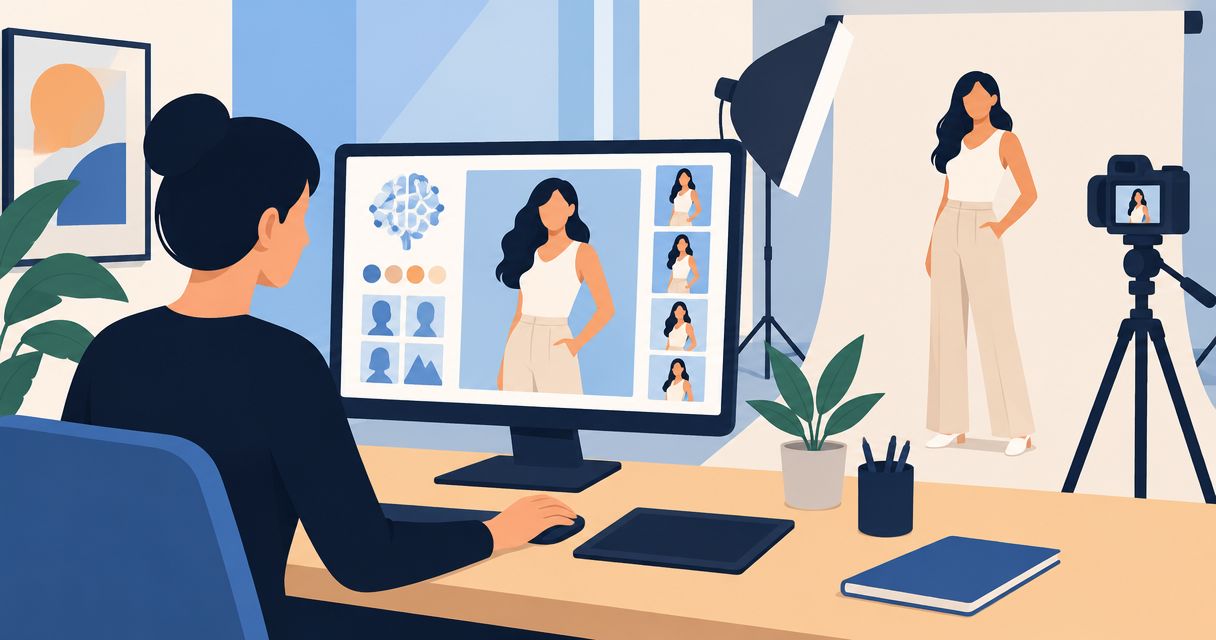
Yes. You can create AI model photos without a model by generating a synthetic person or placing a product into a generated on-model scene. The limitation is product accuracy: a convincing image does not prove that the garment fits, drapes, or looks that way on a real person.
- AI model photos without a model are possible, but generated fit is not evidence of real fit.
- Use real product references and reject changes to construction, color, labels, or proportions.
- Icarus suits e-commerce teams that want AI product photography and videos in one place.
- Use real photography when the image must document actual wear, fit, or a person's endorsement.
Why this matters: Your customer buys the product, not the generated scene. In 2026, the useful question is not whether software can generate a person. It is whether the finished image represents the item you will ship. Start with the distinction between appearance and evidence in this guide to AI product photo accuracy.
Can AI create model photos without hiring a real model?
Yes. A generated model does not require a person to attend a shoot. You still need a clear brief, reliable product references, and a review process before publishing the result.
There are different ways to produce an image featuring a person. Choose the method according to what the photograph needs to communicate, not just whether it looks polished.
| Approach | Best for | What you get | Main limitation |
|---|---|---|---|
| Fully generated person and scene | Exploring campaign concepts | A synthetic person in a described setting | Generated product details need verification |
| Product reference with a generated model | Creating lifestyle concepts around a real item | An on-model image guided by product references | The result does not establish actual fit or drape |
| Photograph with a real model | Documenting a real person wearing or using the item | A record of the product in a physical setup | Requires arranging the person, product, and shoot |
Generate a model to illustrate a scene; photograph a real wearer to document fit. These are different jobs. Treating them as interchangeable creates an approval problem even when the image looks natural.
For example, a generated jacket image can show the direction of a campaign. It cannot establish where the sleeve ends on a customer with particular measurements. That requires evidence beyond the generated image.
What can you create without a real model?
You can use synthetic people for visual concepts, lifestyle compositions, and advertising imagery. The practical boundary is whether the image communicates an idea or makes a factual claim about the product.
Campaign concepts: best for exploring a direction
A generated scene lets you describe a setting, pose, expression, and composition without arranging a physical shoot. Use it to decide whether the campaign should feel like an outdoor walk, a quiet interior, or a close product demonstration.
The advantage is creative control through the brief. The limitation is that an attractive concept still needs a separate product-accuracy check. Do not approve a jacket simply because the face and lighting look convincing.
Product lifestyle images: best for showing context
A generated person can place an item into an everyday setting. A bag beside a seated person, for example, communicates context differently from an isolated product photograph.
Check the implied relationship between person and product. A bag shown at the wrong scale creates a misleading impression even when its color is correct. An image featuring contact with the product also needs close inspection of hands, handles, straps, and shadows.
On-model apparel images: best for visual exploration
Generated apparel images can help you explore styling and composition. They also require close review because the garment's appearance is central to the buying decision.
Inspect seams, closures, neckline, sleeve shape, pockets, and hem. Do not use generated drape as proof of real garment fit. Keep physical product evidence available wherever customers need to evaluate construction or sizing.
How do you make AI model photos without a model?
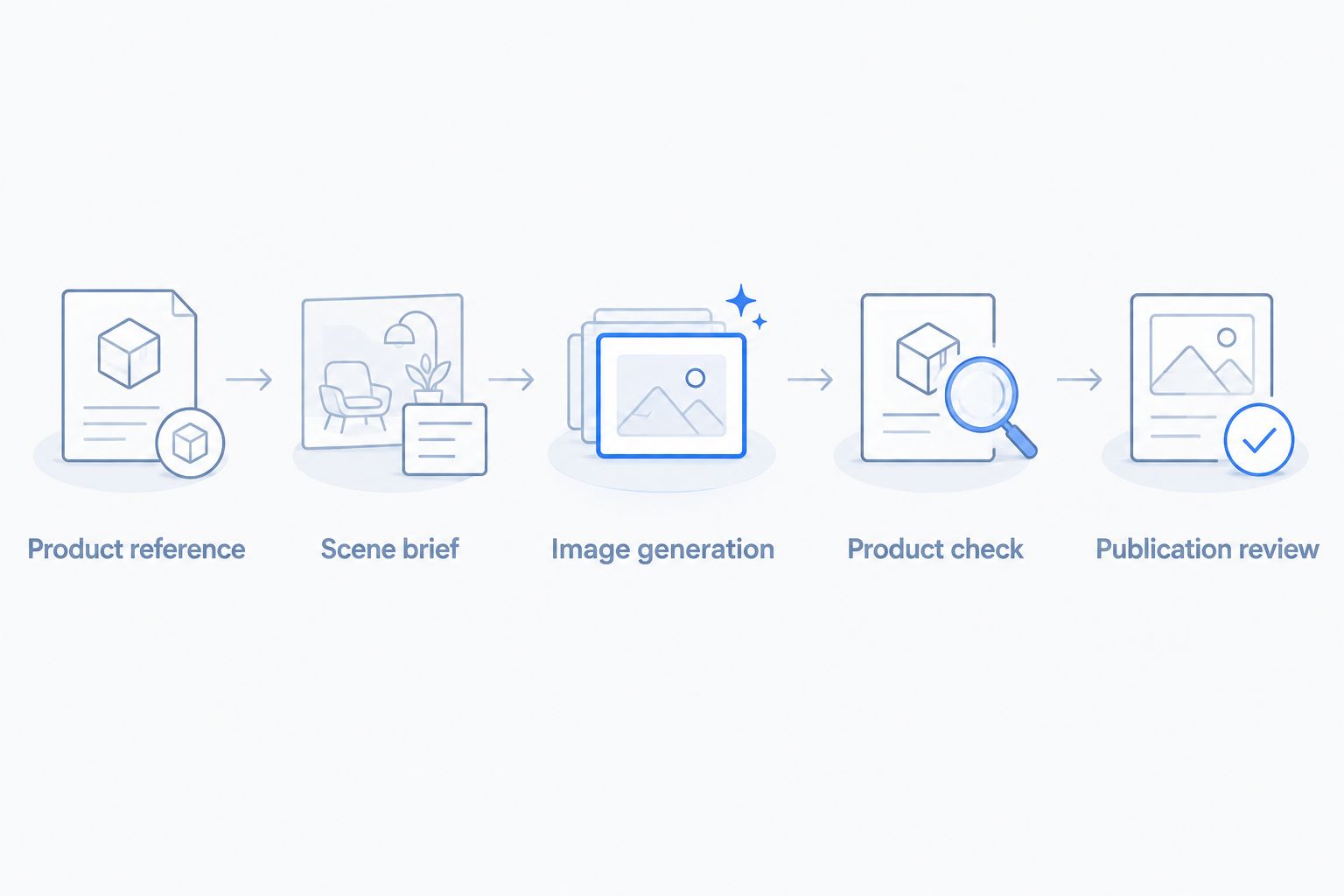
Use a repeatable approval sequence rather than changing prompts until something looks attractive. For a 2026 evaluation, keep the original product reference beside every candidate image so the product remains the standard.
1. Product reference
Start with clear photographs of the actual item. Show the details the final image must preserve, including color, shape, construction, branding, and relevant surfaces.
Do not ask the generator to resolve an unknown detail from a description alone. If a pocket is hidden in the reference, provide another view rather than accepting an invented pocket design.
2. Scene brief
Describe the job of the image before describing the person. Specify the placement, product visibility, setting, pose, lighting direction, and intended crop.
Keep product requirements separate from creative choices. The background can change; the product's construction cannot. This distinction gives the reviewer a clear reason to accept or reject a result.
3. Image generation
Generate a candidate using the chosen tool's documented workflow. Treat the result as a draft, not a finished product photograph.
Change one instruction at a time when diagnosing a problem. If you alter the pose, setting, clothing, and framing together, you lose a clear basis for judging which change helped.
4. Product check
Compare the candidate against the real product before evaluating the model's face or the scene's mood. Reject changed details rather than explaining them away as a stylistic choice.
Inspect the whole image and a close crop. Pay attention to product edges, contact points, repeated patterns, text, and small components that disappear at thumbnail size.
5. Publication review
Check whether the image makes an unsupported implication about fit, scale, performance, or endorsement. Review the requirements of the destination where you intend to publish it.
Save the approved image with its brief and product references. Keep a record of what was checked so a later edit does not quietly reintroduce a rejected detail.
What should your first model-photo brief include?
Keep the first assignment narrow. You are checking whether the workflow preserves your product, not asking the tool to solve every creative need at once.
The following is an illustrative brief, not a customer result or a promise of output quality:
- Product: A plain zip-front jacket, using photographs of the actual item.
- Purpose: A lifestyle image for a campaign concept.
- Scene: A person standing against a simple indoor background.
- Pose: Arms relaxed, with the jacket front visible.
- Product constraints: Preserve the zipper, pockets, cuffs, hem, and color.
- Deliverables: 3 images: front view, three-quarter view, and a closer product detail.
- Review: Compare every candidate with the original references before approval.
Those 3 images form a suggested evaluation set, not a platform limit. Their purpose is to expose different problems: overall shape, side construction, and small details.
Add a placement requirement to the brief. If the final asset needs a 4:5 crop, inspect that crop before approving it. A product that is visible in the original composition can become obscured after reframing.
Why AI model-photo results vary
The same broad request can produce different levels of usefulness. Evaluate these factors directly rather than assuming that a realistic face means a reliable product image.
- Reference clarity. Blurred, hidden, or inconsistent product details make verification harder. Supply references that show what must remain unchanged.
- Product complexity. A plain surface gives you fewer details to inspect than patterned fabric, transparent material, fine jewelry, or dense labeling.
- Pose and contact. Hands holding products, crossed arms, and partially hidden garments create more contact points to review.
- Product visibility. A distant lifestyle composition and a close construction detail serve different purposes. Judge each against its intended use.
- Brief consistency. Conflicting directions make approval unclear. Define fixed product facts separately from adjustable scene choices.
- Acceptance criteria. Decide which changes require rejection before generation. Do not lower the standard because you like the composition.
For your 2026 buying decision, apply the same brief and acceptance criteria to every tool you evaluate. Do not compare a simple image from one tool with a complex pose from another and call the difference a quality ranking.
Should you use one creative suite or separate tools?
Icarus is best for e-commerce teams that want AI product photos and videos in one place. That is the confirmed reason to consider the suite; it is not evidence that every generated model image will meet your requirements.
Choose the workflow around your deliverables. If your 2026 content plan includes still images and videos, evaluate both before committing to a tool setup.
| Workflow | Best for | Reason to choose it | Limitation to check |
|---|---|---|---|
| Icarus creative suite | Teams needing product photos and videos | Both content formats are available in one place | Product accuracy and suitability still require your review |
| Separate photo and video tools | Teams with distinct requirements for each format | You can evaluate each tool against its specific assignment | You must manage assets and approvals across tools |
| Real shoot with generated supporting concepts | Teams needing physical product evidence and creative exploration | The real shoot documents the item; generated concepts explore scenes | The workflow still includes a physical production process |
Icarus combines product photos and videos, but that does not turn generated clothing into a measured fit demonstration. Apply the same rejection rules regardless of where the image was created.
Ask each vendor to explain the workflow for your actual product. Check the current terms for commercial use, permitted reference images, and any restrictions relevant to the planned campaign. Do not assume every tool grants the same rights or supports the same editing controls.
Can I use AI model images on a product page?
Yes, provided the image accurately represents the item and meets the applicable requirements for its use. A generated lifestyle image should not substitute for evidence a customer needs to understand the actual product.
Before publishing in 2026, compare the image with the item you sell. Remove any image that invents a feature, changes a material, or suggests an unsupported fit or performance claim.
Do I need permission to use a real person's face?
Do not treat access to someone's photograph as permission to use their likeness commercially. Obtain appropriate permission before using an identifiable person as a reference, and check the tool's terms.
A synthetic person and a recreation of a recognizable individual are not the same decision. Get legal advice when likeness rights or an implied endorsement are involved.
Can a generated model replace a real fit shoot?
No. A generated model image does not demonstrate how a physical garment fits a real wearer. Use a real fit process when you need to establish length, ease, movement, or size behavior.
You can still use generated images to explore the campaign around that evidence. Keep the distinction clear in both your internal approvals and customer-facing presentation.
FAQ
Can I make AI model photos without a model or a studio?
Yes. You can generate a synthetic person and scene without hiring a model or arranging a studio shoot. You still need reliable product references and a review process before publishing.
Do I need a real product photo to create an AI model image?
Use real product photos when the image must represent an item you sell. A text description alone is not reliable evidence of the product's exact construction, color, or proportions.
Will AI keep my clothing design exactly the same?
Do not assume a generated image preserves the clothing design exactly. Check seams, pockets, closures, patterns, color, and silhouette against the real product.
Can I use a generated person as a customer testimonial?
A generated person is not evidence of a real customer's experience. Do not present a synthetic person as an actual buyer or invent a statement attributed to that person.
Is a realistic AI model photo proof that the garment fits?
No. A realistic AI model photo is not proof of garment fit. Use physical fitting and real product evidence to establish how clothing sits and moves on a wearer.
Should I choose one tool for product photos and videos?
Choose a combined tool when you need both formats and its outputs meet your requirements. Choose separate tools when your evaluation identifies a specific requirement that the combined workflow does not meet.
One last thing
Approve the product before the person. Cover the generated face during your first review and compare only the item with its references. If the product is wrong, a convincing model is not a reason to publish it.