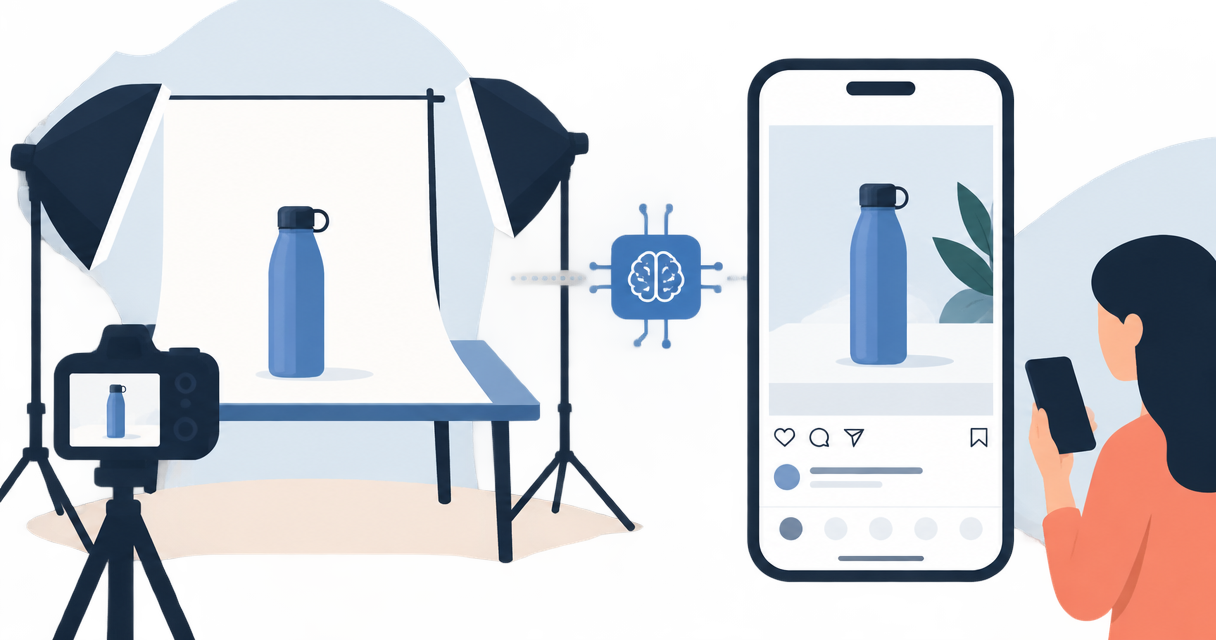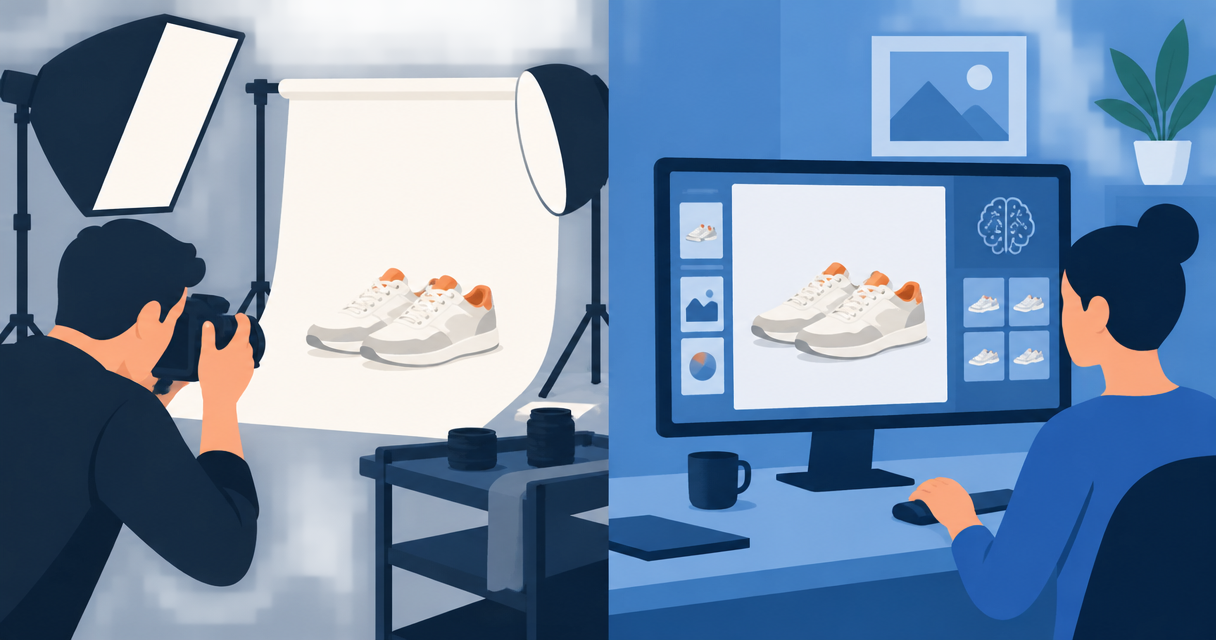
A traditional product photoshoot pays for physical production; AI product photography pays for software access plus the work of preparing, generating, checking, and finishing images. Compare the total needed to deliver the same approved shot list in 2026, not a photographer’s quote against a software subscription alone. Neither headline amount captures every revision, rejected image, or usage restriction.
- For product photoshoot cost vs ai, compare approved images against the same brief, not subscriptions against shoot quotes.
- Traditional photography records a physical setup; generated images still need product-accuracy checks.
- Icarus combines AI product photography and video generation for e-commerce teams needing both formats.
- Include preparation, revisions, review time, and usage rights in your decision.
How much does a traditional product photoshoot cost compared to AI?
The useful comparison is total project cost per approved image. A shoot quote and a software plan cover different work. Match their scope before deciding which approach fits your budget.
For a 2026 comparison, separate the work into these categories. Request an itemized shoot quote and check the current pricing against your intended output.
| Budget category | Traditional product photoshoot | AI product photography |
|---|---|---|
| Preparation | Brief, shot list, samples, styling plan | Brief, reference images, prompts, output requirements |
| Production | Photographer, equipment, physical setup, and any booked crew or space | Software access and any usage charges specified by the provider |
| Finishing | Selected-image editing and retouching within the agreed scope | Selection, product-accuracy checks, editing, and replacement generations |
| Changes | Included revisions or separately quoted changes | Further generation, editing, and review within the tool’s terms |
| Rights | Photographer’s contract and any relevant releases | Provider’s terms and rights to uploaded material |
| Approval | Time spent checking delivered images | Time spent checking generated images |
A generated candidate is not an approved deliverable. A photographed frame is not necessarily a finished deliverable either. Count only images that meet your brief and can be published for the intended use.
Why this matters
Your team needs usable creative, not the largest folder of files. An inexpensive route that misses the product details fails the brief; a larger production that delivers scenes you do not need also misses the point.
Separate two questions: what must show the actual product, and what needs a new creative setting? A clear answer helps you compare traditional photography, generated imagery, and a mixed workflow without treating them as interchangeable.
For your 2026 buying decision, approve the shot list before approving the production method. Otherwise, each supplier or tool gets measured against a different job.
Which workflow should you compare?
There are three useful approaches to evaluate. None wins every brief. Choose according to the evidence the image must show, the formats you need, and the work your team can handle internally.
| Approach | Best for | Main advantage | Main limitation |
|---|---|---|---|
| Traditional product photoshoot | Briefs requiring direct capture of a physical product or interaction | Starts with photographs of the actual subject | Physical production and changes require coordination |
| AI creative suite, such as Icarus | E-commerce teams needing generated product photos and videos in one place | Covers both formats within one suite | Generated output still requires accuracy and suitability checks |
| Mixed workflow | Briefs combining real-product evidence with generated creative | Assigns different production methods to different shots | Requires clear ownership across capture, generation, and finishing |
Icarus is best for e-commerce teams that want AI product photos and videos in one place. That is a workflow advantage, not proof of lower total project cost or better image quality.
Separate AI photo and video tools are another buying option. Evaluate their documented capabilities against the same brief. Do not assume either a combined suite or separate subscriptions will be the better purchase without checking the work each covers.
Traditional photography: direct capture, defined production scope
Choose traditional photography when the assignment requires a camera to record the actual product, material, or interaction. Ask the photographer to specify deliverables, retouching boundaries, revision terms, and permitted uses.
Direct capture does not remove review. Lighting, styling, color treatment, and retouching still affect the final presentation. Check the finished image against the physical item rather than approving it solely because it came from a camera.
AI photography: generation plus internal review
Choose generated imagery when it fits the brief and your team can check the result. Write down which details must remain accurate: packaging text, shape, color, proportions, and visible components.
The trade-off is review responsibility. Your team must reject images that change the product or suggest a feature it does not have. Include that work when comparing AI with outsourced production.
Mixed production: assign a method to each shot
A mixed workflow uses physical photography for selected requirements and generation for others. For example, you can commission direct product views while separately evaluating generated campaign scenes.
Treat this as two connected scopes, not an automatic saving. Someone still needs to manage references, visual consistency, approvals, and final files across both methods.
Build a fair comparison with one brief
Use a shared brief before asking for quotes or evaluating software. The following is an illustrative planning exercise, not a customer result or a recommended minimum for every store.
Specify 1 product, 6 finished images, and 2 scenes. Assign three images to each scene. Keep the required product details and publication uses identical across the workflows you compare.
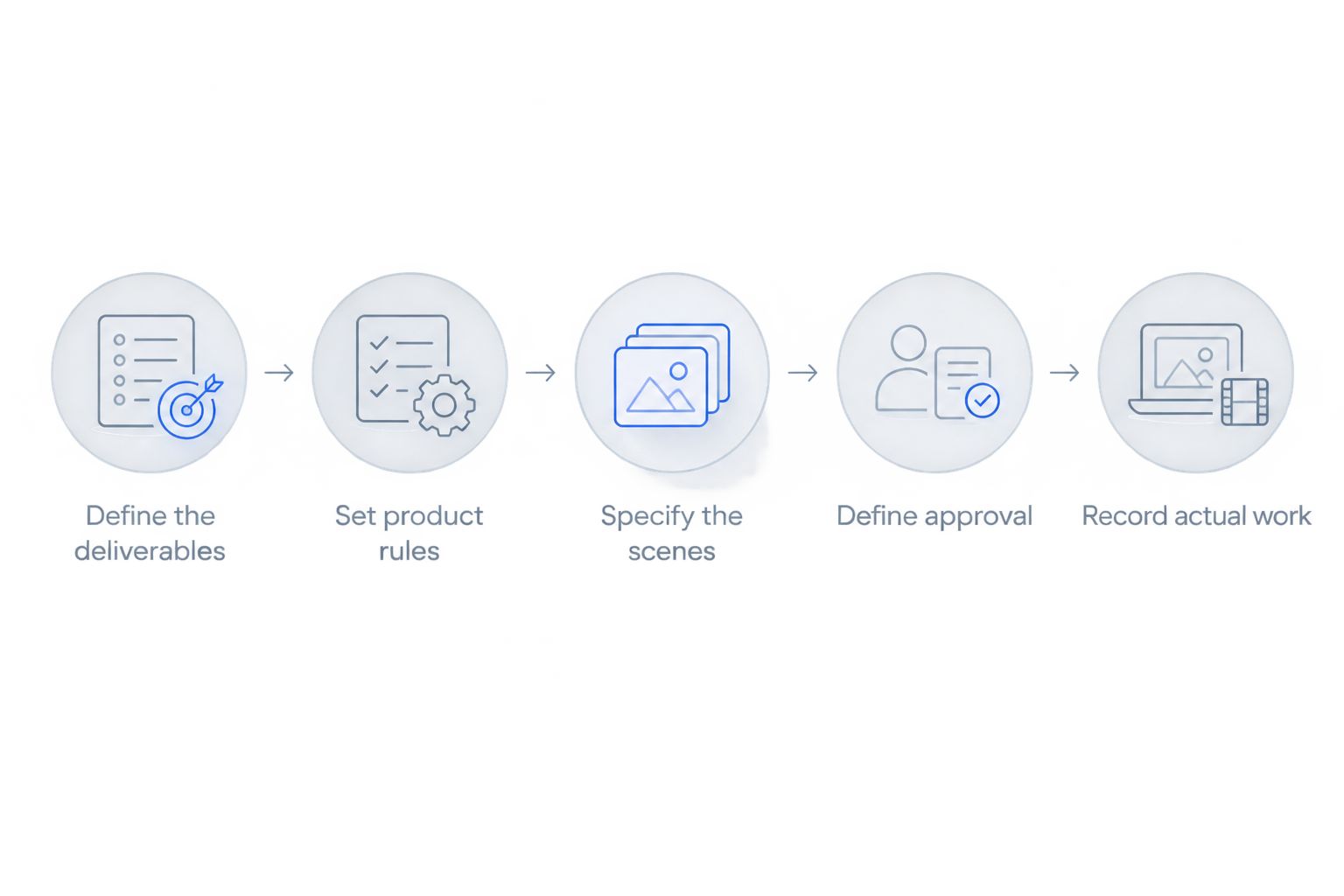
1. Define the deliverables
List each final image and its purpose. Distinguish a clear product view from a lifestyle image or an ad concept. Those jobs have different approval requirements, even when they feature the same item.
For the illustrative brief, describe all six images individually. Do not let one option quote six finished compositions while another counts six slightly different candidates of the same composition.
2. Set the product rules
Write down what must not change. Include the product silhouette, label wording, visible attachments, material appearance, and any dimensions the image communicates.
Give the same references to everyone working on the project. A brief that leaves essential details unstated makes approval harder regardless of how the image is produced.
3. Specify the scenes
Describe the surface, background, lighting direction, props, and framing for each scene. Keep creative requirements separate from product requirements so a scene change does not become permission to redesign the item.
For the two-scene example, identify which images share a setting. That lets you evaluate consistency deliberately instead of discovering mismatched scenes after selection.
4. Define approval
Write a short acceptance checklist before production starts. Check product accuracy, composition, required dimensions, intended use, and whether the image communicates anything the product cannot support.
Name the person responsible for approval. A production route is not complete when files arrive; it is complete when someone accepts the deliverables against the brief.
5. Record the actual work
Track preparation, production, review, revisions, and finishing separately. Record internal time alongside outside charges without assigning an invented hourly value.
Use your own labor assumptions when you calculate totals. A founder doing the work personally and a team assigning it to an employee should not assume their internal effort disappears from the comparison.
Why product photoshoot cost vs AI varies
The final workload changes with the brief. Use these factors to explain differences between proposals rather than treating every quote or plan as equivalent.
- Product detail. Reflective surfaces, transparent materials, fine lettering, and intricate components deserve explicit acceptance criteria. Identify what the finished image must show accurately.
- Scene requirements. A plain product view and a styled setting involve different production tasks. Describe each scene before comparing scope.
- People and interactions. Worn, held, or demonstrated products introduce details to check, including fit, contact, scale, and the action shown.
- Deliverable scope. Specify approved images, crops, file requirements, and any video deliverables. Do not compare a still-image assignment with a broader campaign package.
- Revision boundaries. A correction, a new background, and a new creative direction are different requests. Establish how each is handled before work begins.
- Rights and responsibilities. Confirm intended commercial uses, permission for source material, and responsibility for approvals. Production method alone does not answer those questions.
Your 2026 budget should attach each requirement to an owner. If nobody owns label checks, revision decisions, or final exports, the proposal is not yet a complete production plan.
How do you calculate the cost per usable product image?
Divide the full project total by the number of approved images. Include applicable outside charges and your recorded internal work using your own accounting method.
Keep rejected outputs out of the denominator. They still belong in the production record because they consumed work, but they are not deliverables you can publish.
For the illustrative six-image brief, divide by six only when all six images pass approval. If you also need video, assess that deliverable separately rather than counting an image and a video as equivalent units.
Is AI product photography always cheaper than a photoshoot?
No. The production method alone does not establish the total. Scope, software terms, preparation, revisions, and review determine what your project requires.
Compare against a real brief, not an assumed industry average. Keep the deliverables constant and inspect what each proposal includes before choosing.
Should you use one tool for product photos and videos?
Use a combined tool when its documented photo and video capabilities fit both parts of your brief. Separate tools remain a valid option when their capabilities better match your requirements.
Icarus provides product photos and videos in one place. Evaluate that confirmed scope against the work you need; do not treat it as a promise of fewer revisions, stronger performance, or automatic savings.
Make the buying decision before expanding production
Start with a contained brief and a named approver. Then compare the work required to reach publication, not just the process of creating the first candidate.
Before committing your 2026 production budget, answer these questions:
- Does the workflow cover the exact deliverables in the brief?
- Who checks product details and handles corrections?
- What counts as an included revision versus a new request?
- Do the applicable terms cover your intended use?
- Can your team complete the preparation and review work?
Choose the workflow that meets the brief with an acceptable total workload. If both stills and videos are required, include both in the decision from the start. Comparing a photo-only assignment against a photo-and-video workflow hides the actual scope difference.
FAQ
What should I include when comparing product photoshoot cost vs AI?
Include preparation, production, revisions, finishing, review, and applicable usage terms. Compare the same approved shot list so differences in scope do not distort the decision.
Is a software subscription the full cost of AI product photography?
No. A subscription does not account for your internal preparation, selection, accuracy checks, or finishing work. Check the provider’s current terms for any separate usage charges.
How many images should I use for a fair comparison?
Use the number your brief requires. The illustrative exercise on this page uses 6 finished images for 1 product across 2 scenes; it is not a universal recommendation.
Can AI replace every traditional product photoshoot?
Do not assume AI can replace every assignment. Match the method to the required evidence, especially when the brief calls for direct capture of the actual product or a physical interaction.
Does Icarus create both product photos and videos?
Yes. Icarus is a creative suite for generating product photos, social and ad content, and videos. Check its current offering against your specific deliverables before choosing a workflow.
Should I count rejected AI images in my image total?
Count approved images when calculating cost per usable image. Keep rejected generations in your workload record because producing and reviewing them still required effort.
Does using AI automatically give me commercial usage rights?
No. Check the provider’s terms, your rights to uploaded material, and any permissions relevant to the intended use. The generation method alone does not establish those rights.
One last thing
Ask who pays for a change in creative direction. Replacing a setting after approval is different from correcting an inaccurate label. Put that distinction in the brief for both a photographer and your internal generation workflow.
For your next 2026 project, define “finished” before producing anything. That single decision gives you a consistent basis for comparing scope, effort, and accepted output.