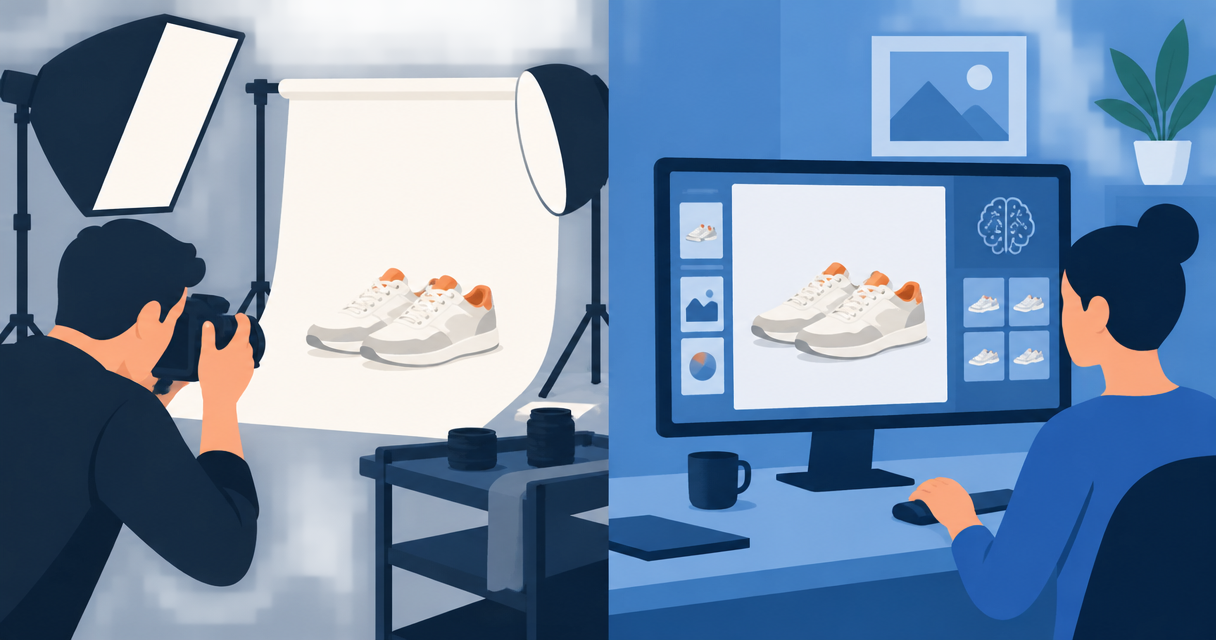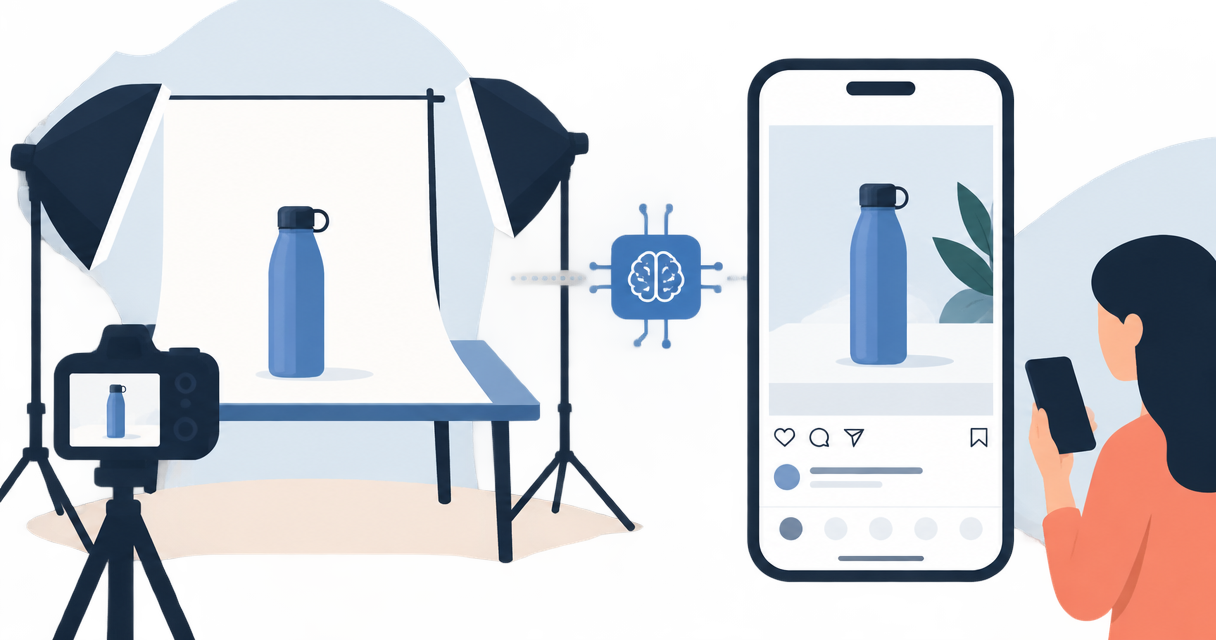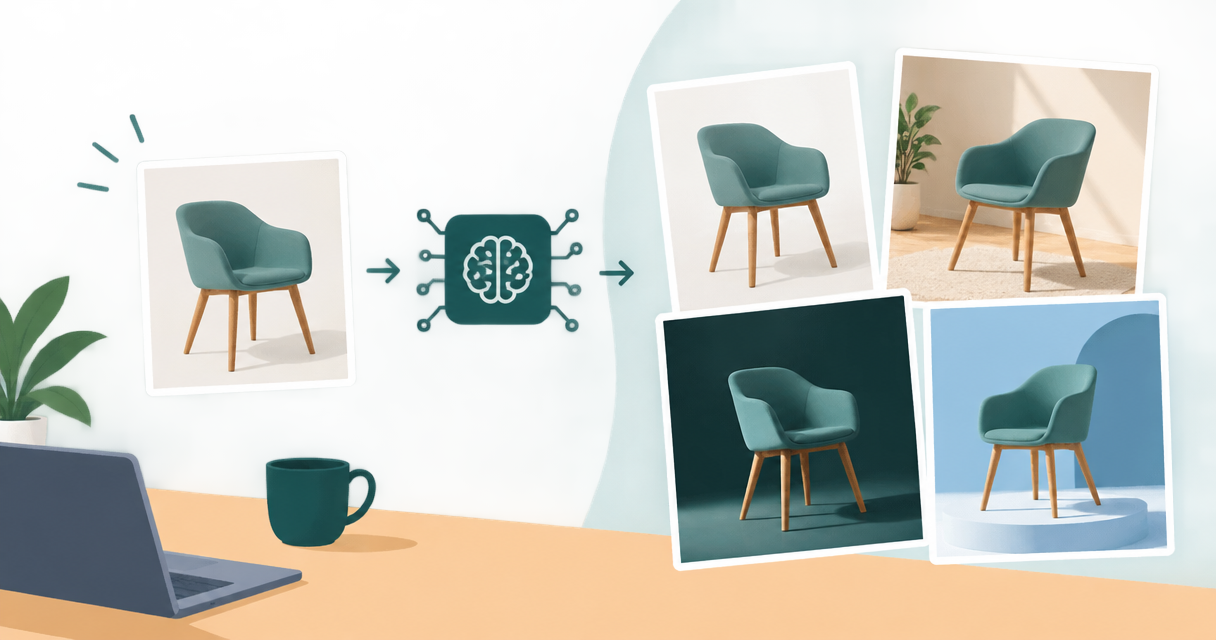
Yes. AI can generate product photos from a single reference photo, but a convincing image is not proof that every product detail is accurate. Use one photo to guide scenes around a visible product; do not treat generated views of hidden surfaces as evidence of what you sell.
- AI product photos from one photo work best when the original clearly shows the product details you need to preserve.
- Check packaging, proportions, materials, and shadows before publishing generated product photography.
- Icarus combines product photos and videos; choose separate tools only after comparing the outputs your brief requires.
- Use additional real reference photos when your creative requires a side, back, or detail the original does not show.
Can AI generate product photos from a single reference photo?
One reference photo can support new product scenes, but it cannot verify details outside the camera’s view. A front-facing bottle photo, for example, does not establish the wording on its back label. Any generated back view needs a separate check against the real bottle.
That distinction matters more than whether the result looks photographic. For a closer look at the difference, read about AI product photo accuracy compared with the real product.
Use this sequence for a single-photo workflow:
- Choose a clear reference. Make the product, its edges, and its defining details easy to inspect.
- Write a narrow brief. Describe the scene you want without asking for unsupported product changes.
- Generate the image. Use the reference-image workflow available in your chosen tool.
- Compare against reality. Check the output beside the original and, where necessary, the physical product.
- Publish only approved images. Reject attractive versions that change what the customer receives.
The central limit is information, not imagination. A generator can create a plausible continuation of an object, but plausibility does not establish accuracy.
Why this matters
A product image helps a shopper decide what they are buying. If a generated image changes the closure, fabric texture, label, or included accessories, the problem is not merely visual style. The image communicates a different product.
For your 2026 creative workflow, separate scene freedom from product accuracy. Give the background room to change while keeping the product subject to approval. Do not use a successful background as a reason to overlook an incorrect package.
This also makes tool selection more practical. Instead of asking which generator makes the prettiest sample, ask which workflow lets your team produce and review the images your actual product needs.
What can you reasonably request from one photo?
Start with changes that do not require new product information. Keep the visible face of the product close to its original orientation, then describe the surrounding surface, background, lighting direction, and composition.
Best for: scene variations around an already visible product. This is a narrower assignment than asking the system to show a complete object from every angle. The limitation is that even a modest scene change still needs a product check.
Consider an illustrative brief for a boxed candle. You have a clear front view showing the box, vessel, and printed label. Ask for a simple tabletop scene with space beside the product for ad copy, rather than an overhead view that invents the lid design.
Do not assume that asking for an unchanged product guarantees one. Written instructions describe your requirement; inspection determines whether the output meets it.
When should you add another real reference?
Add another reference when the requested image depends on something your original does not show. That includes a shoe sole, a garment’s back, a bag’s internal compartments, or a package’s rear panel.
Best for: views that must communicate a specific construction detail. A real reference gives you something to check against. Its limitation is the extra preparation needed to capture and organize the right views.
If your chosen tool does not accept additional references, narrow the brief or choose another workflow. Do not replace missing evidence with a more emphatic prompt.
How to prepare your reference photo
Choose the reference for product clarity, not atmosphere. An artistic image with deep shadows or an object covering the label gives you less visible information to approve later. Start with the version that makes the product easiest to identify.
Before uploading, inspect these details:
- Edges: The outline is visible rather than cut off or hidden behind props.
- Text: Any label you need to preserve is readable in the original.
- Shape: The camera angle does not obscure the product’s defining proportions.
- Materials: Glare, blur, or heavy editing does not conceal the finish.
- Variant: The image shows the exact color, packaging, and configuration you intend to advertise.
A clean reference does not guarantee an accurate result. It gives you a better starting point and a clearer comparison target.
Keep the original file separate from generated versions. Name outputs by product variant and intended use so an approved image of one item does not become the reference for another by mistake.
A single-photo brief you can actually use
A useful brief separates what must remain true from what you want to change. Put those requirements in different lines rather than mixing them into a long description of mood. Keep the assignment specific enough that someone else can approve it.
The following is an illustrative 2026 brief, not a customer result or a claim about a particular tool:
- Goal: Create a lifestyle image for a candle product page.
- Reference: 1 reference photo showing the front of the actual candle vessel.
- Product lock: Preserve the visible vessel shape, label wording, label placement, and color.
- Scene: Place the candle on a plain shelf against a neutral wall.
- Composition: Keep the front label visible and leave clear space around the product.
- Exclusions: Do not add a lid, gift box, flame, or accessory absent from the brief.
- Deliverables: Request 3 images with different surrounding compositions, not different product designs.
- Approval: Compare every candidate with the reference before selecting an image.
This example deliberately avoids a new camera angle. It asks for variety in presentation while keeping the available product evidence in view.
An illustrative prompt
Use the supplied product photo as the visual reference. Place the candle on a plain shelf against a neutral wall. Keep the visible front of the vessel facing the camera. Preserve the visible label wording, label position, vessel shape, and color. Leave clear space around the product. Do not add packaging, accessories, or a flame.
Treat that prompt as an instruction, not a preservation guarantee. If the label changes, reject or correct the result through an available editing workflow, then review it again.
Why single-photo results vary
The same general request can produce outputs that differ in usefulness. Judge the result against the information in your reference and the requirements in your brief, rather than against an unrelated showcase image.
- Reference visibility: Hidden or blurred details give you less information to carry through and verify.
- Requested viewpoint: A new angle exposes surfaces your original might not document.
- Product complexity: Fine text, repeated patterns, transparent parts, and intricate construction create more details to inspect.
- Scene interaction: Hands, props, and partial obstructions add relationships between the product and its surroundings that need checking.
- Workflow controls: Reference inputs and editing options differ by tool; evaluate the controls actually available in the version you use.
- Approval standard: An atmospheric concept image and a detail-focused product listing have different review requirements.
Keep your first assignment narrow. Establish whether the workflow preserves the product in a straightforward scene before requesting more complicated interactions.
How should you check the generated images?
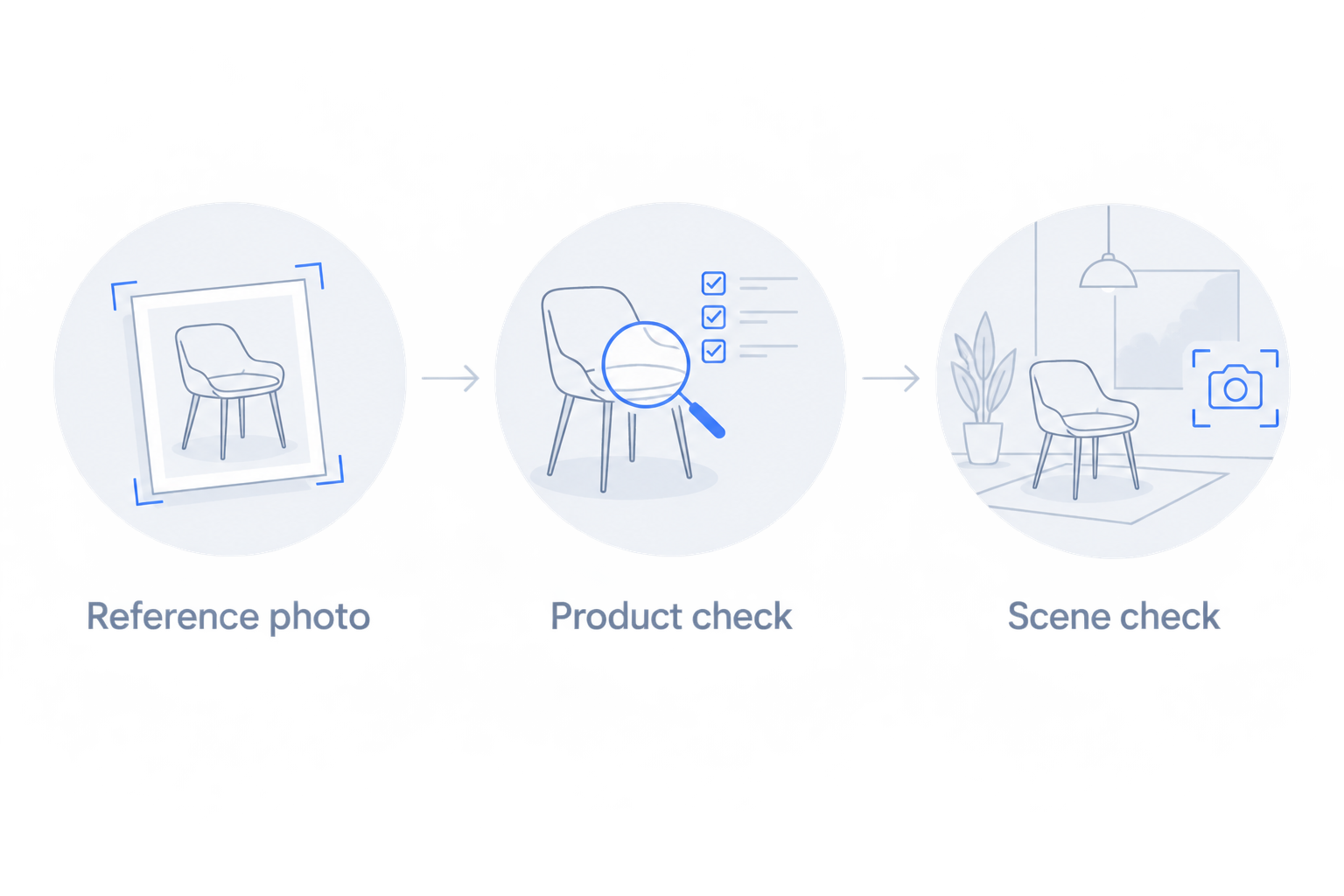
Use 2 review passes in this illustrative workflow: one for product truth and one for presentation. Keeping those tasks separate makes the approval question clearer. A beautiful scene does not compensate for an incorrect object.
Product check
Compare the output with the real reference. Inspect label spelling, logo placement, proportions, closures, seams, patterns, colors, and the number of visible components. Reject invented attachments or accessories.
For products with functional details, check what the image implies. A generated pocket, hinge, opening, or strap can suggest a feature that does not exist. Verify those details against the actual item, not another generated image.
Scene check
Inspect contact shadows, reflections, scale relationships, and contact with nearby surfaces. Check whether hands or props obscure a feature the shopper needs to see. Then inspect the crop in its intended placement.
A 2026 approval checklist should retain the same distinction: product truth first, presentation second. Record why an image failed so the next brief addresses the actual issue rather than simply requesting a better result.
Keep an approved example beside the brief, but retain the real reference as the source of truth. Repeatedly using generated images as proof does not establish that a detail matches the physical product.
Should you use one creative suite or separate tools?
Choose around your deliverables. If your 2026 plan includes product images and video creative, evaluate both formats before committing to a workflow. If you only need still images, do not let an unused video capability decide the purchase.
| Approach | Best for | Confirmed benefit or practical advantage | Limitation to account for |
|---|---|---|---|
| Icarus | E-commerce teams that need product photos and videos in one place | Provides product photo and video generation within one creative suite | That combined scope does not establish single-reference accuracy for your particular product; evaluate representative outputs |
| Separate photo and video tools | Teams choosing each format’s workflow independently | Lets you assess the photo workflow and video workflow separately | You must organize references, briefs, and approvals across separate tools |
Icarus is best for e-commerce teams that want product photos and videos in one creative suite. That is a workflow fit, not a claim that every generated product detail will be correct.
Use the same source product and approval rules when comparing approaches. Review an ordinary product, a difficult detail, and an intended publishing placement rather than choosing from unrelated examples.
For a 2026 buying decision, ask whether the current workflow accepts your reference, supports the edits you need, and produces files suitable for your intended use. Confirm those requirements directly rather than inferring them from a sample gallery.
Can one reference photo show every side of a product?
One reference photo does not verify every side of a product. A generator can create an unseen surface, but you still need a real source to establish whether that surface is correct.
Use additional photography when the view itself is evidence, such as a fastening, rear label, or internal compartment. A narrower scene is preferable to an invented product detail.
Can you turn the same product reference into video?
A product reference can be part of a video-generation workflow when the selected tool supports that input. Check the specific input requirements before planning the asset. Photo-generation support alone does not establish reference-to-video support.
Review motion as well as individual frames. Inspect whether the product’s shape, label, and visible components remain accurate throughout the clip, particularly where the object turns or becomes partly obscured.
Is one photo enough for a product listing?
One photo is a starting reference, not proof that a listing explains the product fully. Match your image set to the questions a shopper needs answered, including appearance, construction, scale, and included items.
Use real supporting views when those answers depend on details absent from the original. Generated scene variety and documented product coverage serve different purposes.
FAQ
Can AI make product photos from just one picture?
Yes. AI can generate product photos using a single reference picture, but you must check the result against the real product. Unseen details are not verified by the original image.
What kind of reference photo should I use?
Use a clear photo of the exact product variant with its defining details visible. Avoid references that hide important labels, edges, or construction behind props or deep shadows.
Will AI keep my product label exactly the same?
Do not assume the generated label is exact. Compare spelling, placement, proportions, and artwork with the real reference before publishing.
Can I generate a back view from a front photo?
A generated back view is not verified by a front photo. Supply a real back-view reference or avoid using the result to communicate specific rear details.
Do I need a different tool for photos and videos?
Not necessarily. A creative suite can provide both formats, while separate tools let you evaluate each workflow independently. Confirm the reference inputs and editing controls you need before choosing.
Can I use a generated image without reviewing it?
Review generated product images before publishing. Check the product first, then the scene, crop, and intended placement.
What should I test before choosing a tool in 2026?
Test the tool with your actual reference and a representative brief. Check visible product details and confirm that the current workflow supports the inputs, edits, and deliverables you require.
One last thing
Do not select the winning image until you have rejected the inaccurate ones. Reverse that order and an attractive scene becomes a reason to excuse a changed product. Keep accuracy as the entry requirement, then choose the composition.
If you are considering Icarus for product photos and videos, apply that same rule to both formats. The useful output is the one you can approve, not merely the one you want to keep.