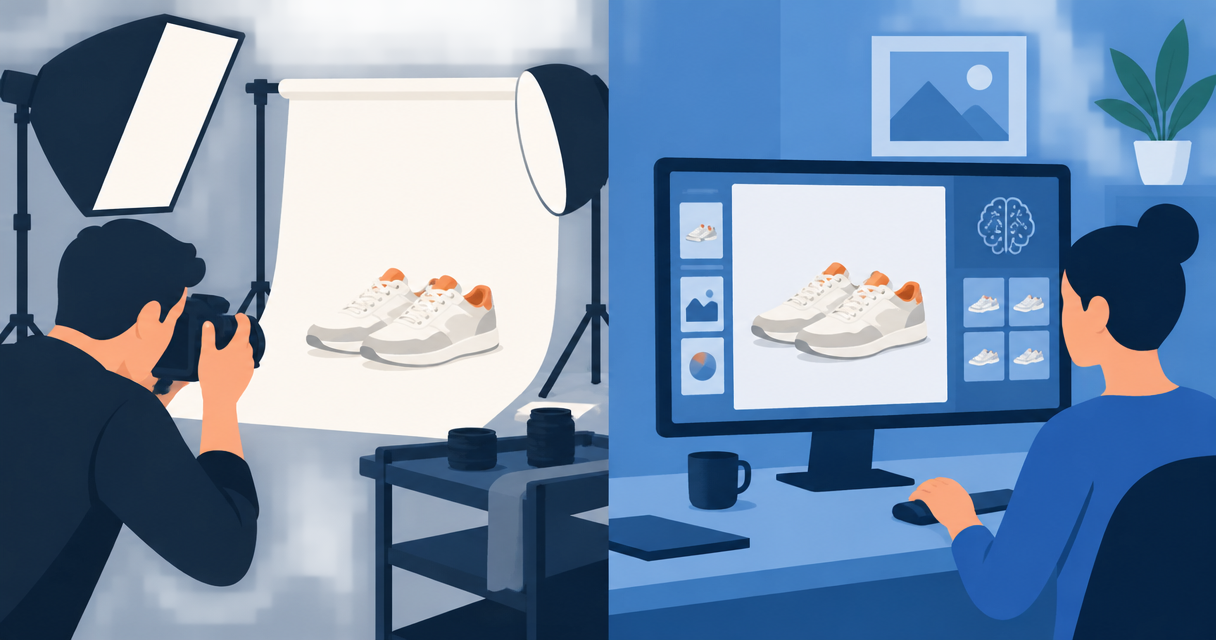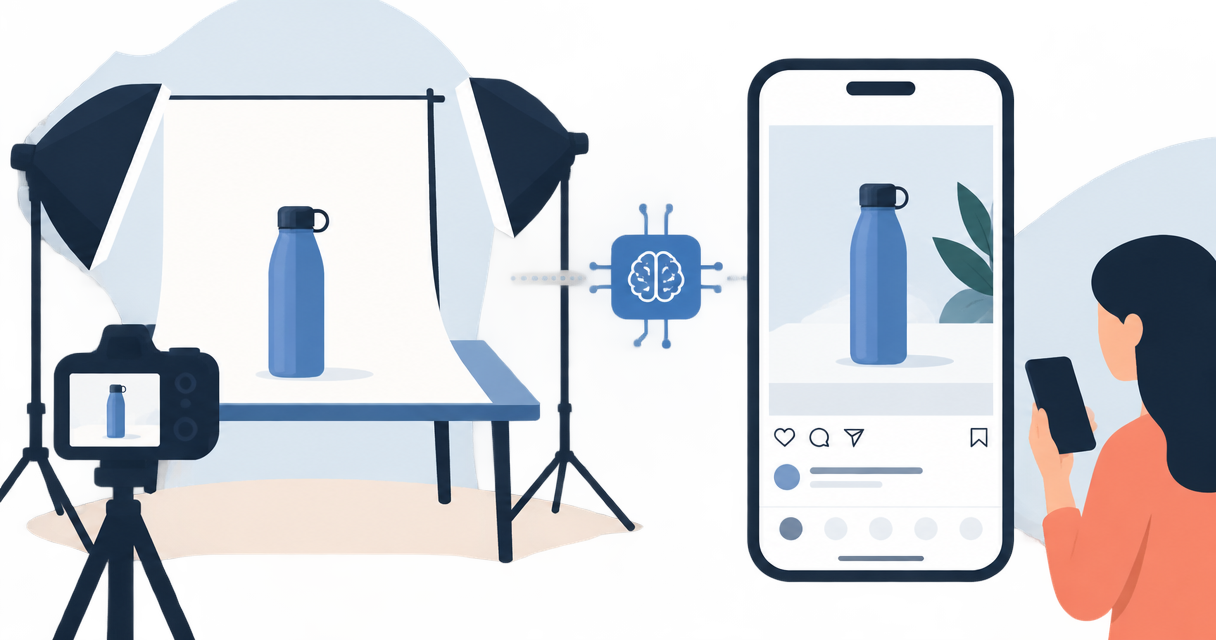
Yes—AI product photography is good enough for Instagram ads when the image accurately represents what you sell, fits the placement, and passes your review. A convincing scene alone is not enough: you still need to check product details, usage rights, and advertising claims before publishing.
- Is AI product photography good enough for Instagram ads? Yes, when product accuracy survives close inspection.
- Icarus combines product photos and videos for e-commerce teams that need both formats.
- Use AI product photography for creative exploration, not as proof of product performance.
- Approve the product details before testing Instagram ad performance.
Why this matters
An Instagram ad makes a promise about the product on your landing page. If the generated image changes the packaging, material, or included accessories, a polished composition does not fix that mismatch.
Separate two decisions in your 2026 creative plan: whether an image is accurate enough to publish, and whether it persuades someone to buy. The first requires inspection. The second requires a campaign test. For the visual side, start with whether AI can generate product photos that look real, then apply the stricter advertising checks below.
Is AI product photography good enough for Instagram ads?
Yes, for images that pass a product-fidelity check and communicate an honest offer. Treat generated photography as an image-production method, not a guarantee of accuracy, advertising approval, or sales.
Use this decision table before you send an image to your ad account. These are review criteria, not measured performance comparisons.
| Approach | Best for | Useful feature | Limitation | Publishing decision |
|---|---|---|---|---|
| Generated lifestyle scene | Exploring settings and visual concepts | Lets you describe a setting without photographing that setting | Product details and physical relationships need inspection | Use only after checking against the real product |
| Real product photo with a generated background | Keeping a photographed product at the center of a new composition | Gives you an original product image to compare against | Editing can still change edges, shadows, or reflections | Confirm the product itself remains accurate |
| Traditional product photography | Documenting actual appearance and physical use | Records a real object in a real setup | Requires a physical capture process | Check lighting, styling, and editing for misleading effects |
Choose the method that preserves the facts your buyer needs. If your ad depends on exact stitching, a readable ingredients panel, or a working mechanism, inspect that detail directly. Do not approve the image because the overall scene looks attractive.
A generated photograph can communicate a setting. It cannot establish that a product delivers a result, survives a test, or fits a particular person.
When is a generated lifestyle image ready to use?
A generated lifestyle image is ready for consideration when the product remains recognizable and accurate inside the new scene. The setting should support the buying message without inventing a feature.
Best for: exploring visual context around an existing product. An illustrative example is a plain ceramic mug placed on a breakfast table. The table changes the context; it must not change the mug's handle, glaze, or shape.
The benefit is creative flexibility. You can write briefs for different environments without treating each environment as a separate physical setup. The limitation is verification: shadows, contact points, reflections, and scale still need a human decision.
Reject a scene if it makes the product float, places a handle behind an impossible grip, or shows contents that are not included. Fix the image rather than relying on a caption to correct the visual impression.
When should you keep the original product photograph?
Keep the original product photograph when a small visual difference would change what the buyer thinks they are purchasing. Labels, connectors, patterns, closures, and transparent packaging deserve particular attention.
Best for: ads where exact product identity matters more than an elaborate scene. A simple photographed product against a restrained background is a valid creative choice. You do not need a fully generated environment to make an Instagram ad.
The benefit is a direct visual reference for the item being sold. The limitation is that the source photograph still needs suitable lighting and a useful angle. A dark or obstructed reference does not become reliable evidence because the finished composition looks cleaner.
Keep an unedited reference beside the final asset during approval. Compare the same product variant, not a similar item from the same collection.
Why AI product photography quality varies
These factors determine what you need to inspect. None replaces a review of the finished image.
- Reference clarity. A clear view gives you visible details to compare. Hidden surfaces and unreadable labels leave gaps in the review.
- Product complexity. Fine patterns, small hardware, transparent materials, and reflective surfaces create more details to verify.
- Scene complexity. Hands, props, mirrors, and overlapping objects introduce physical relationships that need checking.
- Brief precision. Naming what must stay unchanged gives the reviewer a concrete acceptance rule. A mood description alone does not.
- Final crop. An image that works as a large preview can lose its product or message when cropped for a placement.
- Review discipline. A repeatable approval checklist keeps the decision focused on the product, not just the visual style.
For your 2026 review process, write down the rejection conditions before generating anything. An incorrect logo, missing component, or invented product feature should stop publication even if the rest of the image works.
How do you prepare AI product photos for Instagram ads?
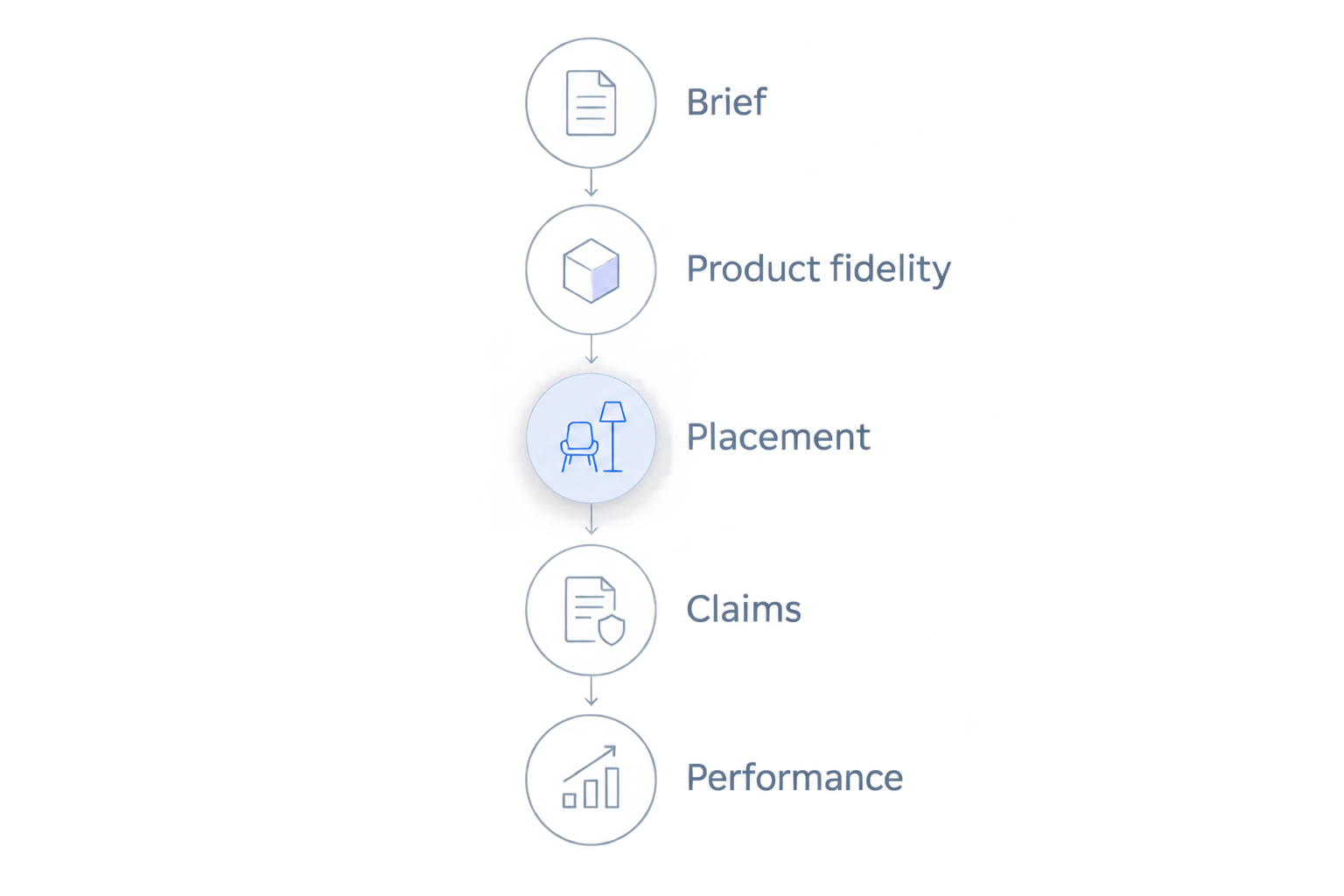
Use a sequence that separates the brief, product inspection, placement review, and campaign evaluation. Each stage answers a different question. Combining them into one quick approval makes it harder to identify what failed.
Start with the brief
State the product, audience, ad message, intended placement, and facts that must remain unchanged. Describe the scene separately from the product. That distinction makes it easier to change the creative idea without changing the item being sold.
Illustrative brief: Show an existing ceramic mug on a breakfast table beside a closed book. Preserve the mug's shape, handle, color, and surface finish. Keep the mug clearly visible. Leave space for headline text added during layout.
This example is a planning template, not a customer result. Replace the object and constraints with your actual product details. Do not ask the image to demonstrate a benefit you cannot support.
Check product fidelity
Compare the generated asset with the real product reference. Start with the silhouette, then inspect smaller features. A correct background cannot compensate for the wrong object.
Use explicit checks:
- Does the product have the right shape and proportions?
- Are the label, logo, and visible words correct?
- Are materials, colors, and surface finishes represented honestly?
- Are all visible components included with the purchase?
- Does the scene imply an unsupported size, use, or result?
If the label needs to be readable, inspect it at full resolution. If it cannot survive that check, change the image or choose a composition that does not depend on readable label text.
Check the placement
Review the actual crop you intend to publish, not only the original export. For a practical working canvas, portrait feed creative can use a 4:5 aspect ratio at 1080 × 1350 pixels. Full-screen vertical creative can use a 9:16 aspect ratio at 1080 × 1920 pixels.
These are working formats, not a promise that every placement accepts every asset unchanged. Check the current placement requirements and preview in Ads Manager before publishing your 2026 campaign.
Keep essential product details and headline text away from areas covered by interface elements. Preview each intended placement separately. Do not assume an automatic crop preserves your composition.
Review claims
Read the image and copy together. Props, gestures, and visual effects can imply claims even when the caption does not state them.
A generated splash does not establish water resistance. A person holding a product does not establish a real endorsement. An invented before-and-after image is not evidence of a customer outcome.
Check commercial-use terms for the tool and rights to reference images, logos, and identifiable people. Commercial permission and advertising compliance are separate checks; neither follows automatically from a successful export.
Test performance
Once the asset passes inspection, compare it with your existing creative using a clear hypothesis. Change the scene if you want to learn about the scene. Keep the offer, copy, and destination consistent where practical.
Choose the business outcome before launching. For a sales campaign, judge the creative against your purchase objective rather than treating likes as the final answer. Record delivery and spend alongside results so you can interpret what the campaign actually measured.
The workflow is simple: approve accuracy first, assess persuasion second. Use the same sequence throughout your 2026 creative tests.
Should you choose Icarus or separate photo and video tools?
Icarus is best for e-commerce teams that want AI product photography and video generation in one place. That is the confirmed reason to include the suite in your shortlist, not a claim that every output beats a specialist tool.
Choose around the work you need to produce. If your campaign needs both product photos and videos, evaluate both formats before committing. If you only need still images, the broader suite is not automatically the deciding factor.
| Tool setup | Best for | Reason to consider it | Trade-off to evaluate |
|---|---|---|---|
| Icarus | Teams producing product photos and videos | Both formats are available in one creative suite | A shared suite does not remove product review or prove output quality |
| Separate photo and video tools | Teams with distinct requirements for each format | You can evaluate each tool against its specific task | You need to assess separate workflows and commercial terms |
| Photo-only workflow | Teams currently making still-image ads | Keeps the buying decision focused on photography | Does not address video production needs |
Use the same product reference and written acceptance criteria when comparing tools. Judge the exported files, not only gallery examples. Check the crop, product details, and terms for the work you intend to publish.
Avoid assuming an integration, editing control, or export option exists because a tool covers the right category. Confirm each requirement directly before you make it part of your production process.
Does looking realistic mean an ad will sell?
No. Realism is an image-quality check, while sales depend on the offer, audience, message, destination, and campaign execution. A believable product image can still communicate the wrong reason to buy.
Give each creative a job. Show the product clearly, establish a relevant setting, or explain a supported benefit. A visually busy image that does none of those things is not ready just because it looks photographic.
Can you use generated photos instead of customer photos?
Use generated photos as brand-created advertising, not as evidence of a real customer's experience. Do not present a synthetic person, setting, or reaction as an authentic testimonial.
If you need to demonstrate actual fit, application, or performance, use evidence that supports that specific claim. A generated scene does not become documentation when you add testimonial-style copy.
Should every Instagram ad use AI photography?
No. Choose AI photography when it serves the creative brief and passes the same accuracy standard as your other assets. Keep real photography when it communicates the product more faithfully.
Your 2026 creative plan can include both methods. The objective is a useful, truthful ad—not a campaign built entirely around one production technique.
FAQ
Is AI product photography good enough for Instagram ads in 2026?
Yes, AI product photography is good enough for Instagram ads when it accurately represents the product and passes placement, rights, and claims checks. Visual realism alone does not establish advertising performance.
What's the best way to check an AI product photo before publishing?
Compare the final image directly with an accurate reference of the real product. Inspect shape, labels, materials, components, and any implied claims, then preview the intended ad crop.
What size should I make an Instagram product ad?
A portrait feed working canvas can use 1080 × 1350 pixels at 4:5, while full-screen vertical creative can use 1080 × 1920 pixels at 9:16. Verify current placement requirements and preview the asset before publishing.
Will AI product photos improve my Instagram ad sales?
AI product photos do not guarantee better sales. Test approved assets against your existing creative and judge them against the campaign's business objective.
Can I use AI-generated people as customer testimonials?
Do not present an AI-generated person as a real customer giving an authentic testimonial. A generated scene is not evidence that someone used the product or experienced a result.
Is Icarus suitable if I need photos and videos?
Icarus is relevant for e-commerce teams that need product photos and videos in one suite. Evaluate both output types against your own product-accuracy and production requirements.
Do AI product photos need human review?
Yes, review AI product photos before publishing them as ads. Check the product facts, composition, usage rights, and claims rather than approving the image on appearance alone.
One last thing
Make a rejection checklist before you write your next prompt. List the details that cannot change: packaging words, component count, material, proportions, and included accessories.
That checklist gives your team a shared publishing standard. Keep the scene flexible. Keep the product facts fixed.